PT - 262
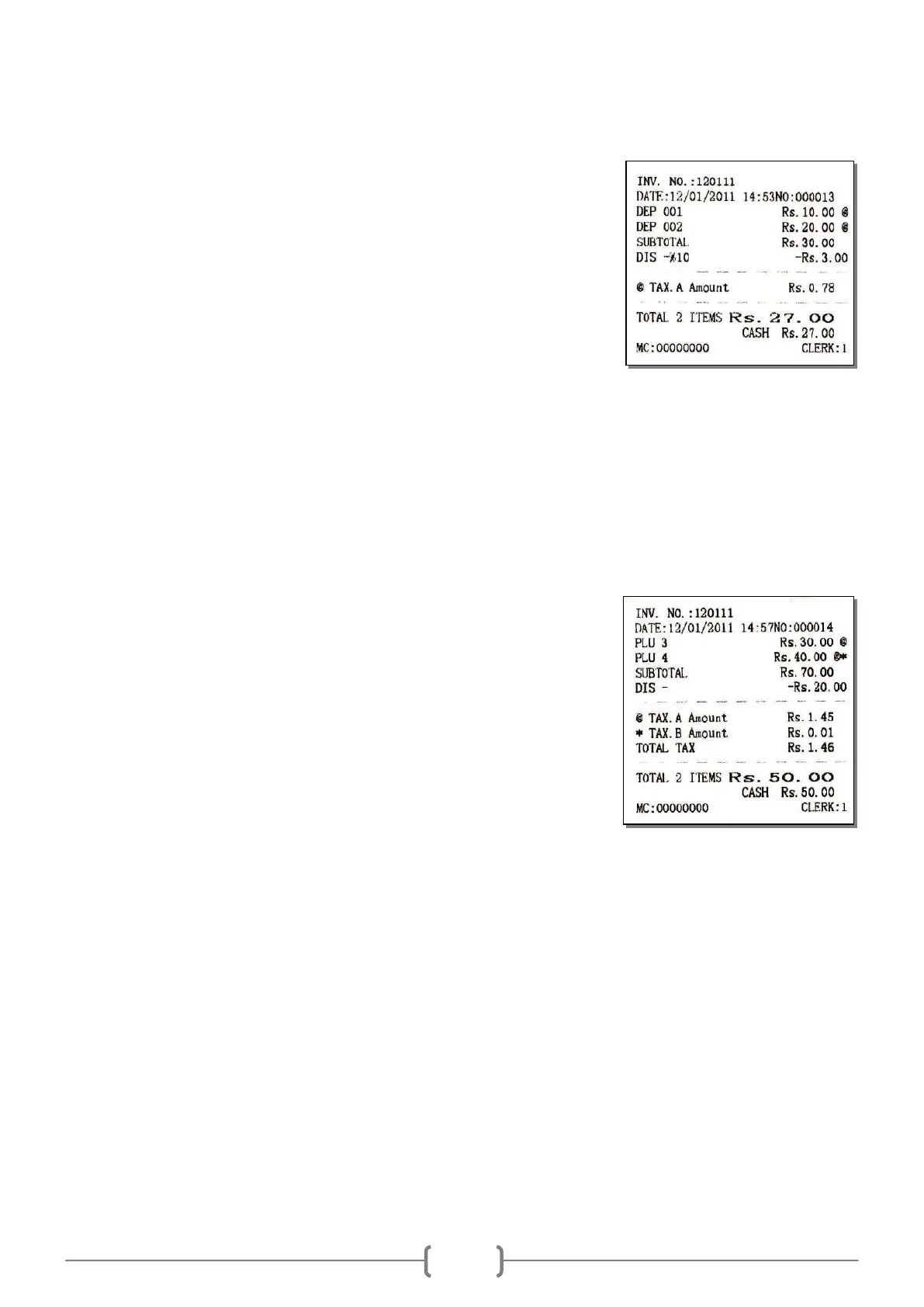
E.g. 2: Set the item „DISCOUNT SET/SUBTOTAL DISCOUNT?‟ „YES‟ in SET mode.
Sales department
Department No. [DP1]
[DP2]
Subtotal discount
Subtotal discount rate -%
[ST][1][0][SHIFT][-%]
Settle accounts
Cash [CASH]
Note: The operation of [+%] is similar to [-%] key.
– Discount Operation
This function is similar to ‗-% DISCOUNT‘ function. But ‗- DISCOUNT‘ function is a discount of a specific sum of
the amount.
E.g.: key [-] transaction
Sell PLU
PLU barcode [3][PLU]
[4][PLU]
Display total sum
Subtotal [ST]
‗- DISCOUNT‘ transaction
sum discount [2][0][SHIFT][-]
Settle accounts
Cash [CASH]



 To Next Page