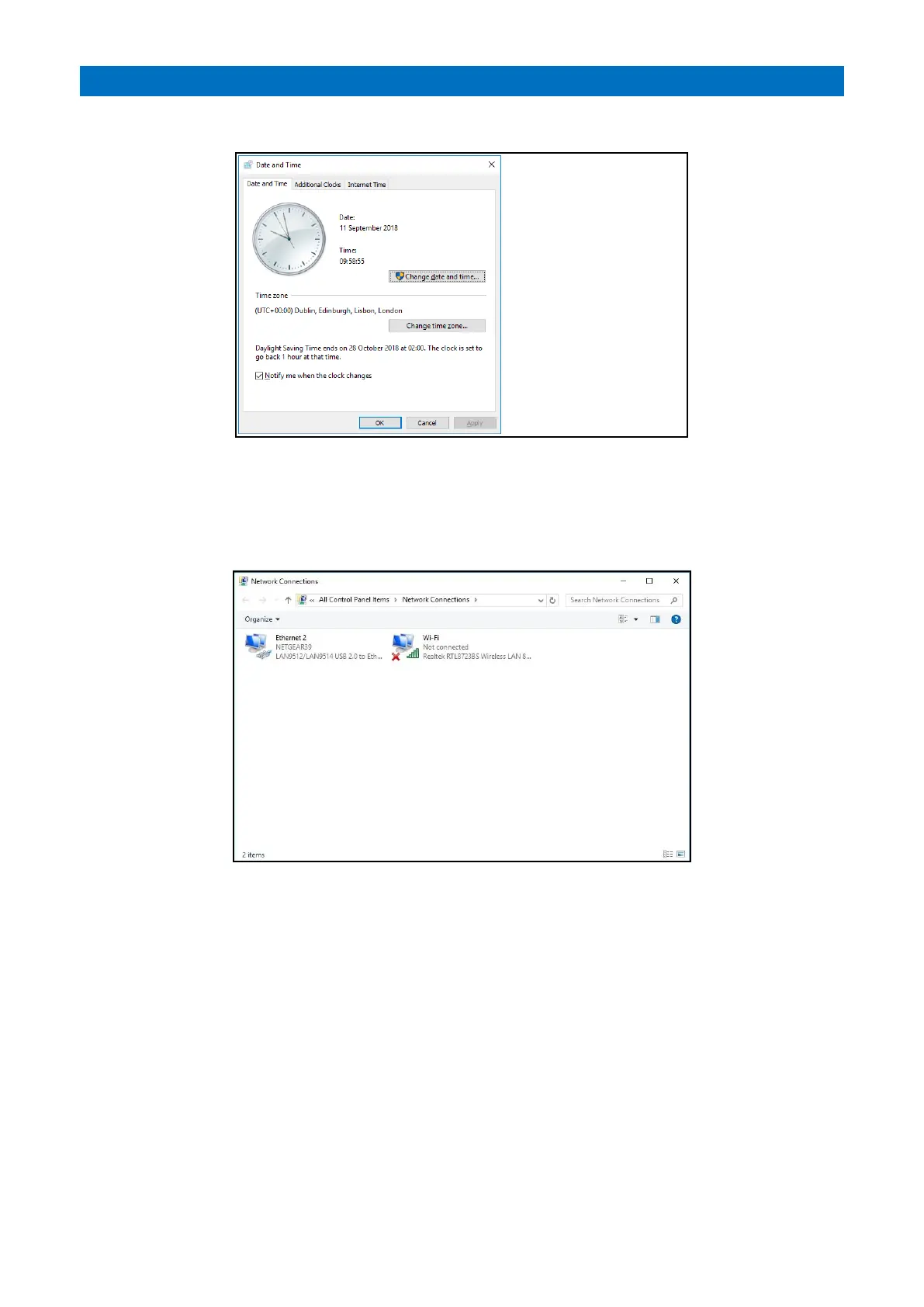
From the System Setup screen press the Date Time button;
This is used to set the date and time on the local panel.
Note: if multiple panels are on the system the panel should be setup by an Engineer to enable the Windows NTP
server, allowing all panels to be updated from the Controller. This will be documented separately.
From the System Setup screen press the IP Settings button;
The Windows 10 Network Connections window is used to setup the IP address via the Ethernet Internet Protocol
Version 4. This must be done before setting IP addresses in the Panel Settings screen.



 To Next Page