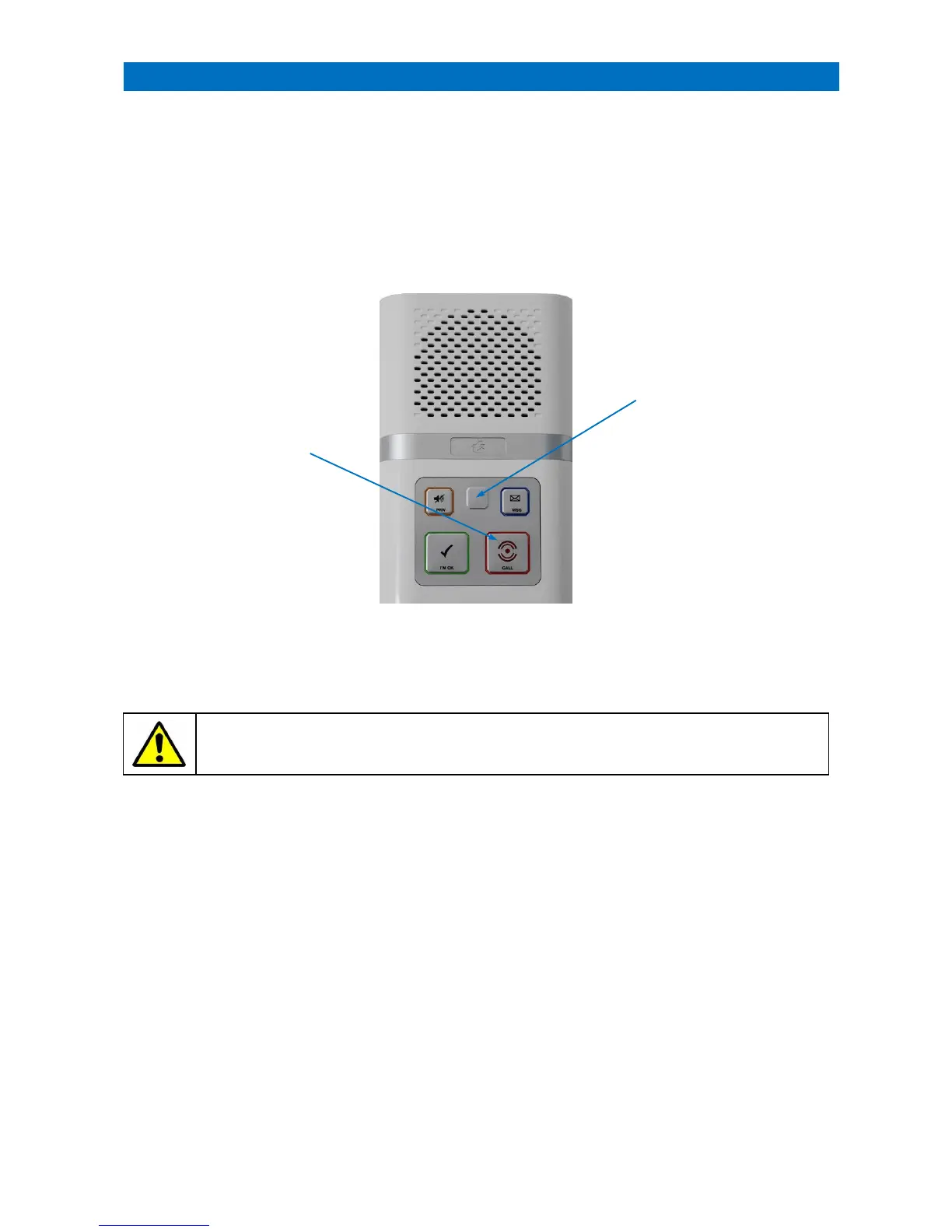
Intercoms can be set to operate in Extracare mode for categories of schemes where alarm calls must be cancelled at
source. Both normal and Extracare intercoms can be mixed to maximise operational efficiency whilst ensuring care
level compliance.
When a call is made from an Extracare intercom it is reported and answered in the normal way, but it cannot be
permanently cleared until it has been visited and cancelled locally.
If normal cancellation is attempted the call will simply re-report after a preset delay (typically 10 minutes).
CANCELLING AN EXTRACARE CALL
Note: the same cancellation procedure applies to door entry intercoms.
IMPORTANT: a procedure must be put in place for the cancellation of Extracare intercoms when the
system is operating in Local Offsite or Remote Offsite modes.



 To Next Page