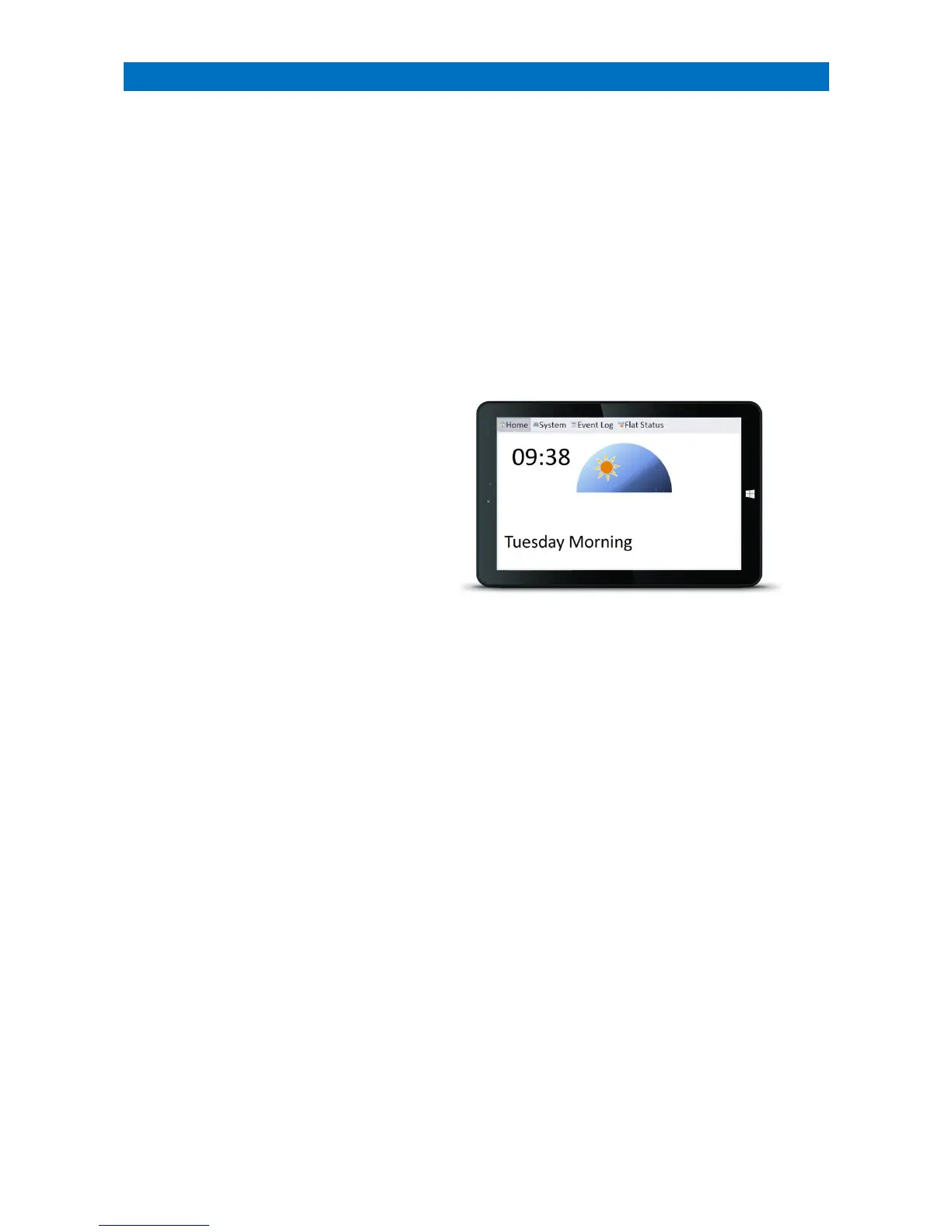
There can be up to 32 Manager’s Display Panels installed per scheme. One panel, designated as the Controller, is used
to program the system features, change the operating mode and add/remove Telecare devices. Up to 31 Satellite
panels will all display the same information as the Controller but have limited functionality.
An optional digital Notice Board can be connected to each Manager’s panel to display information for residents and
staff. The Notice Board content is updated locally at each Manager’s panel.
The features listed below can be setup and monitored using the Manager’s Display panel;
• Dementia Day Clock
• View/Change the System Operating Mode
• View Details of Calls in Progress
• View System Status
• View Event Log
• View/Change Residents Details
• View I’m OK Status
• View Activity Mode Status
• View Away Mode Status
• View Intruder Mode Status
• View Intercom Privacy Mode Status
• View Door Entry Privacy Mode Status
• View Message Waiting Status
• Add Radio Pendants/Telecare Devices
• Remove Radio Pendants/Telecare Devices
• Update Notice Board
• Change Passwords
• Set System Time & Date
• Set Call Routing
• Set Alarm Type Routing
• Set Daily Alarm Time
• Set Dial Sequence
• Set Activity Monitoring Time Periods
• Set I’m OK Time Periods
• Set Client Wandering Time Periods
• Set Door Entry Call Transfers
• Set Timed Door Entry Calls



 To Next Page