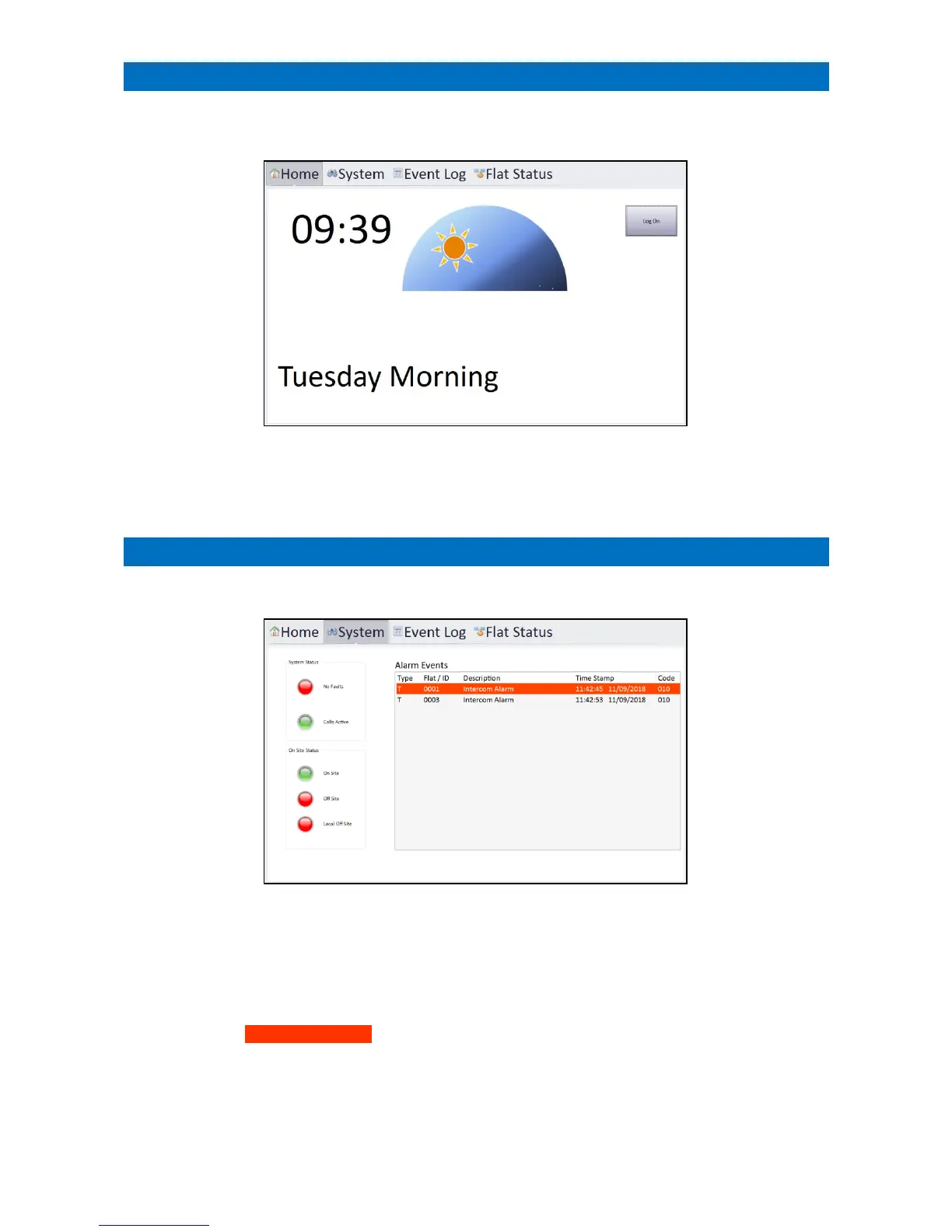
The Manager’s Panel Home screen displays a dementia clock showing the time and day, and whether its morning,
afternoon, evening or night time;
There are 3 other tabs along the top of the screen to select System, Event Log and Flat Status.
The Log On button on the Home screen allows access to the system setup screen – see section 34.
Touch the System tab to display the current operating mode and a list of active calls;
System Status: Red = No Faults or Green = Faults Exist
Faults include power failure, telephone line failure, parked intercoms etc. Use the code 1008
via the DECT handset to
list the fault memory – see section 16.
On Site Status: Green = current system operating mode
To change the operating mode, touch the new mode and enter a valid 4-digit password and press Log On.
Alarm Events: All alarm calls on the system will be listed with the time/date they were initiated.
Calls in progress are highlighted in orange, when a call is cancelled it will disappear from the list.



 To Next Page