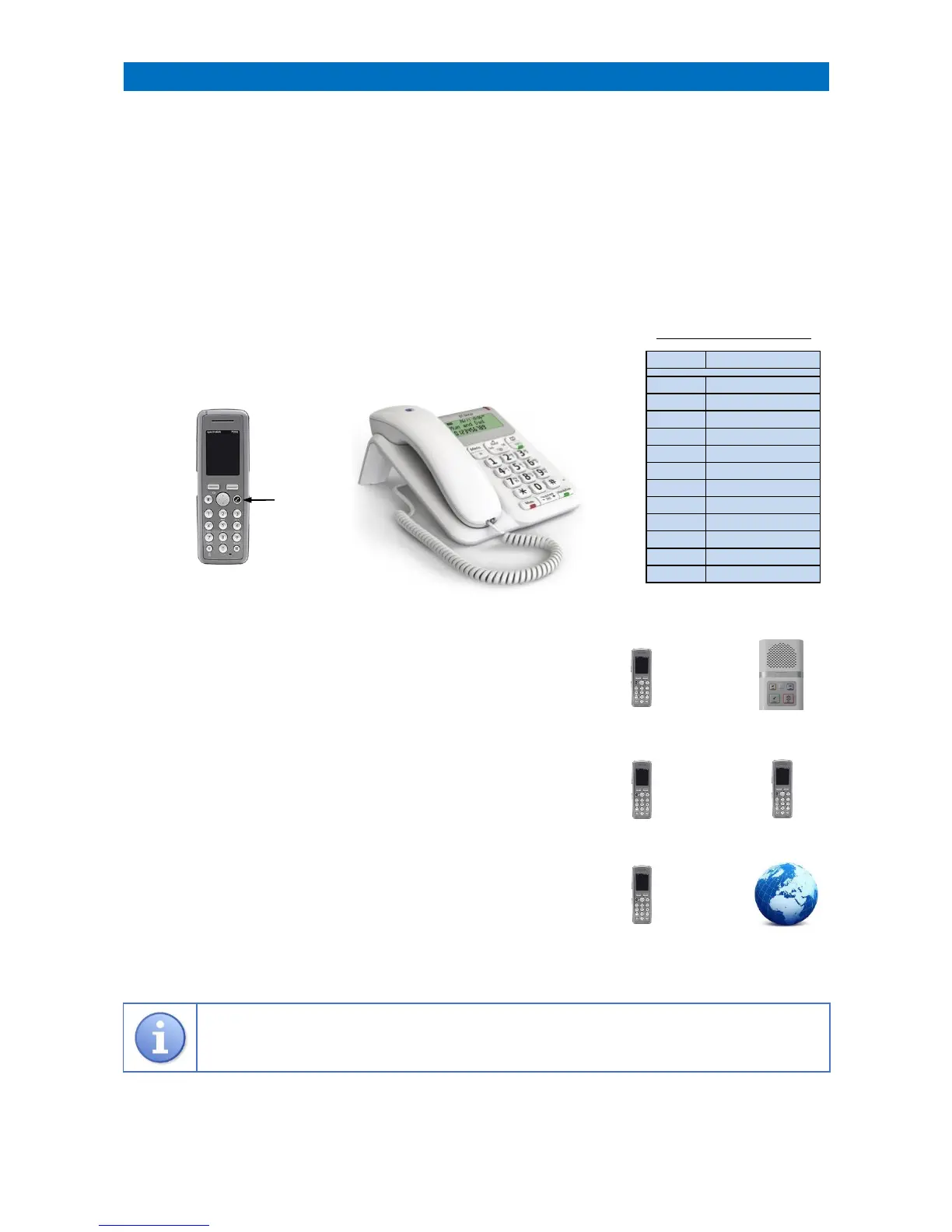
All DECT cordless handsets and/or desktop telephones will ring when a call exists in onsite mode.
To answer a call using a DECT handset press the LINE key, if using a desk telephone simply lift the handset.
When answered, a speech message will identify the call type and room number, the residents name can also be
displayed if it has been programmed into the telephone name/number memory.
When the alarm message is understood press the key to open two-way speech with the caller.
During speech the resident’s volume can be increased with the 1 key or decreased with 2 key.
See the table below for other features available on the telephone keys during a call.
To end the call using a DECT handset press the # key followed by the LINE key to hang-up, if using a desk telephone
press the # key and replace the handset.
___________________________________________________________________________________________________________
CALLING A RESIDENT
Press the LINE key, enter 8 1 and wait for the “Ready” prompt
Enter the room number followed by the key
Press the # key to end the call and then press the LINE key to clear the connection
___________________________________________________________________________________________________________
MAKING INTERNAL CALLS BETWEEN DECT HANDSETS
Press the LINE key followed by the Extension Number (201 - 212)
Press the LINE key to end the call
Note: it is not possible to make internal calls to/from desktop telephones
___________________________________________________________________________________________________________
MAKING EXTERNAL CALLS WITH DECT/DESK TELEPHONES
Press the LINE key, enter 8 2 and wait for the dial tone
Dial the telephone number
Press the LINE key to end the call
___________________________________________________________________________________________________________



 To Next Page