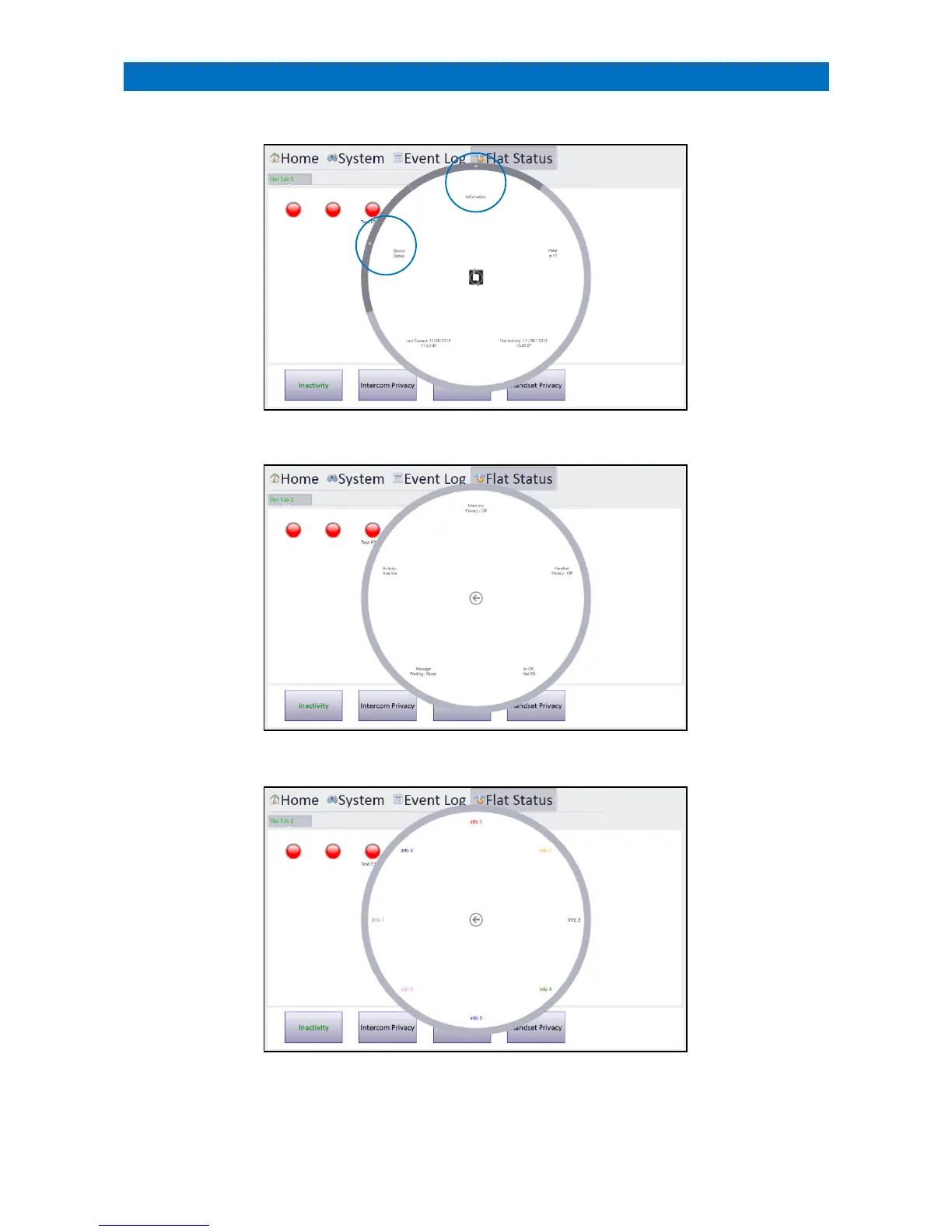
On the Flat Status Tab touch a flat status indicator to open an information circle;
Touch the arrow on the outer circle of the Device Status segment to display;
Touch the arrow on the outer circle of the Information segment to display;
The information circle will display text that has been assigned to the Info 1 to 8 fields of the Flat Details form in the
Configure Flats screen – see section 44.



 To Next Page