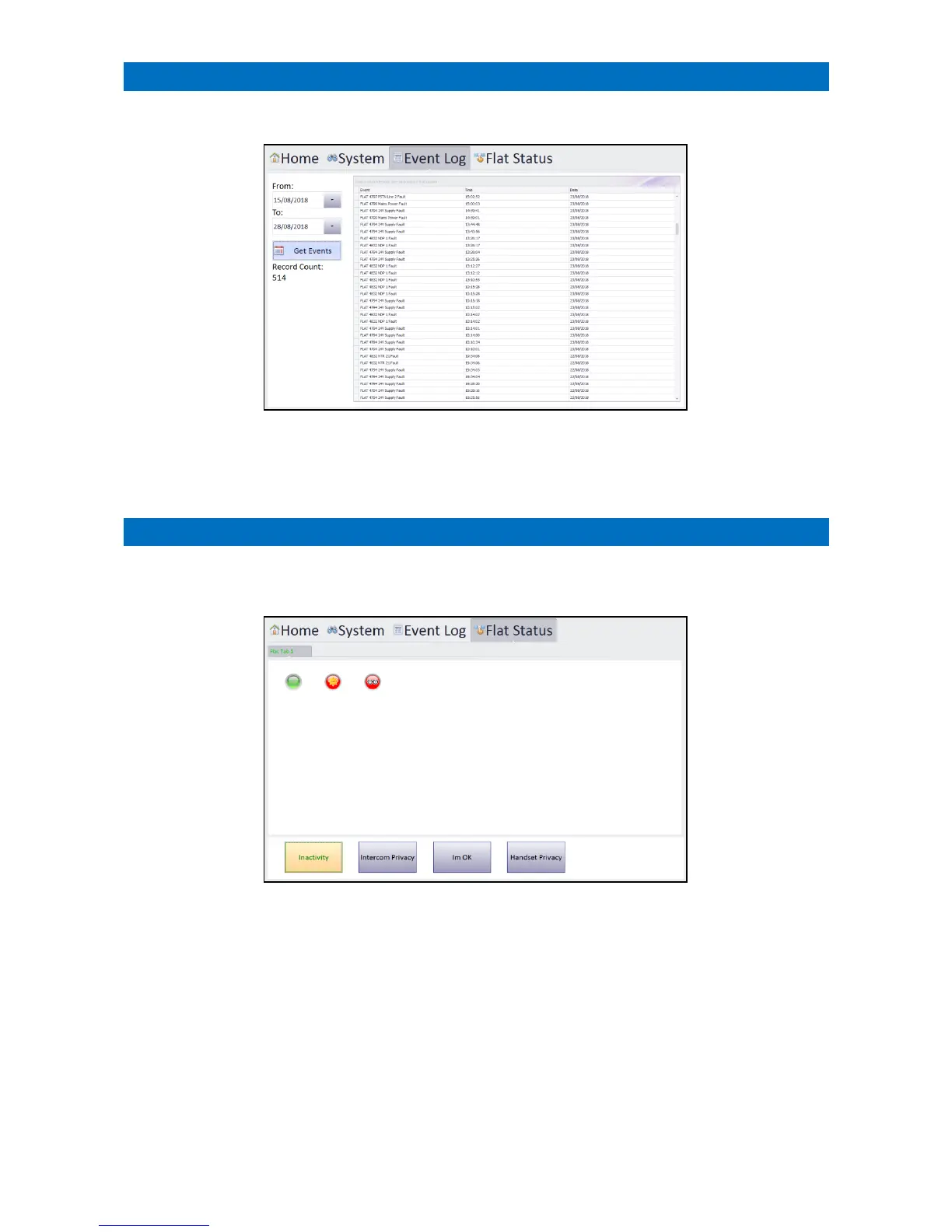
Touch the Event Log tab to display a list of all events that have occurred on the system over a given date range;
Set the From:/To: date range then press the Get Events button.
Use the scroll bar to view up/down the list.
Touch the Flat Status tab to display the status of; inactivity, intercom privacy, I’m OK and door entry handset privacy.
Select which status is currently visible by clicking on the buttons on the bottom of the screen.
Inactivity: Green = normal (activity detected) or Red = no activity
Red with Sun = no activity because away mode is enabled
Red with Eyes = no activity because intruder mode is enabled
Intercom Privacy: Green = normal (warden call privacy off) or Red = warden call privacy on
I’m OK: Green = normal (resident has responded) or Red = no response
Handset Privacy: Green = normal (door entry privacy off) or Red = door entry privacy on
The status of up to 60 flats can be displayed per page; if more flats exist additional “Flat Tabs” will be created.
The order the flats are displayed, and their titles can be modified from the Configure Flats screen – see section 44.
Touch a flat status indicator to display an information circle containing more details – see section 33.



 To Next Page