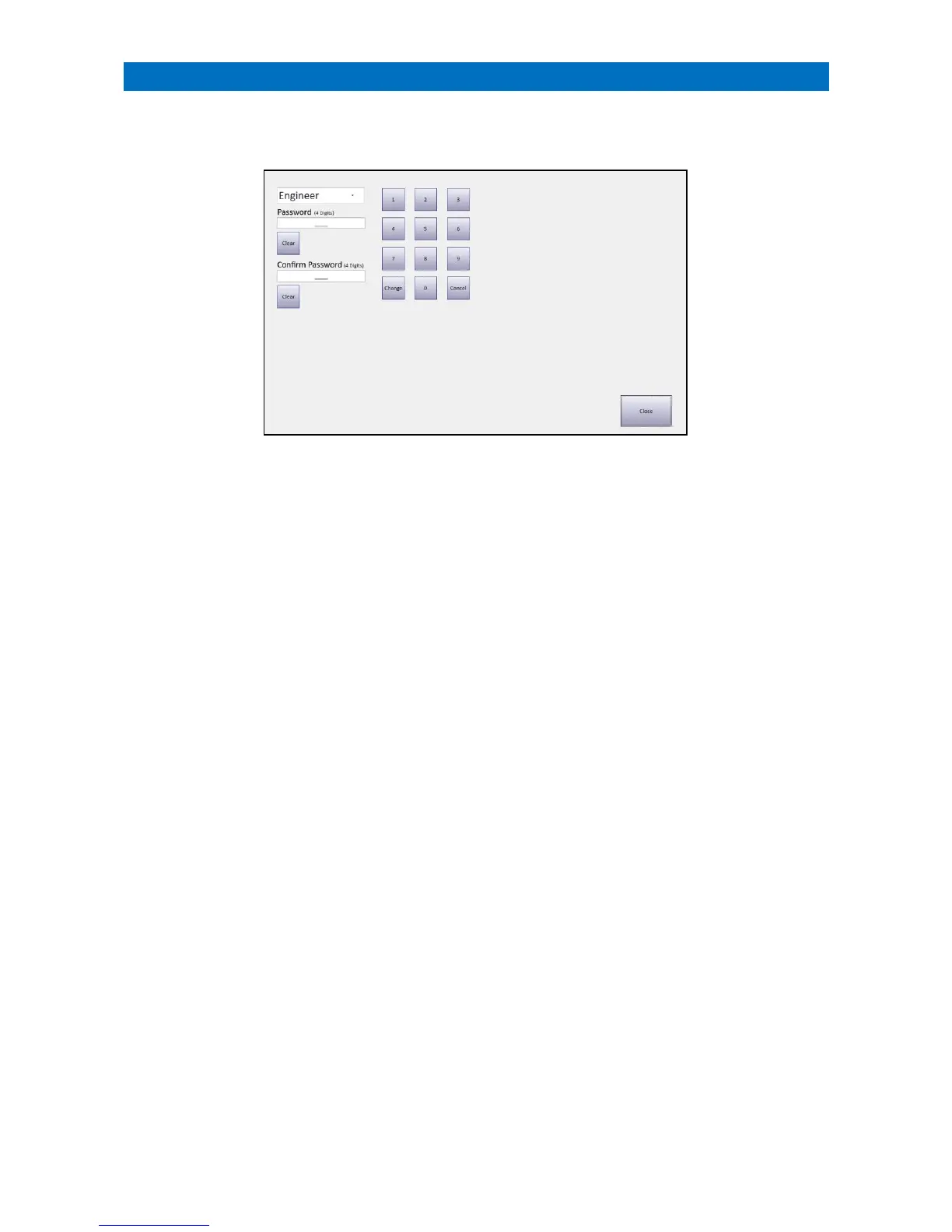
Passwords can only be changed from the Manager’s Panel designated as the Controller.
Log on using the current Manager (or Engineer) password and touch the Change Password button.
An Engineer can change 3 passwords; Engineer, Manager and User.
A Manager can change 2 passwords; Manager and User.
A User cannot change passwords.
Select the Password to be changed from the drop-down menu (Engineer, Manager or User).
Enter a new 4-digit password in the Password box.
Enter the same new 4-digit password in the Confirm Password box.
Press the Change button to save the new password.



 To Next Page