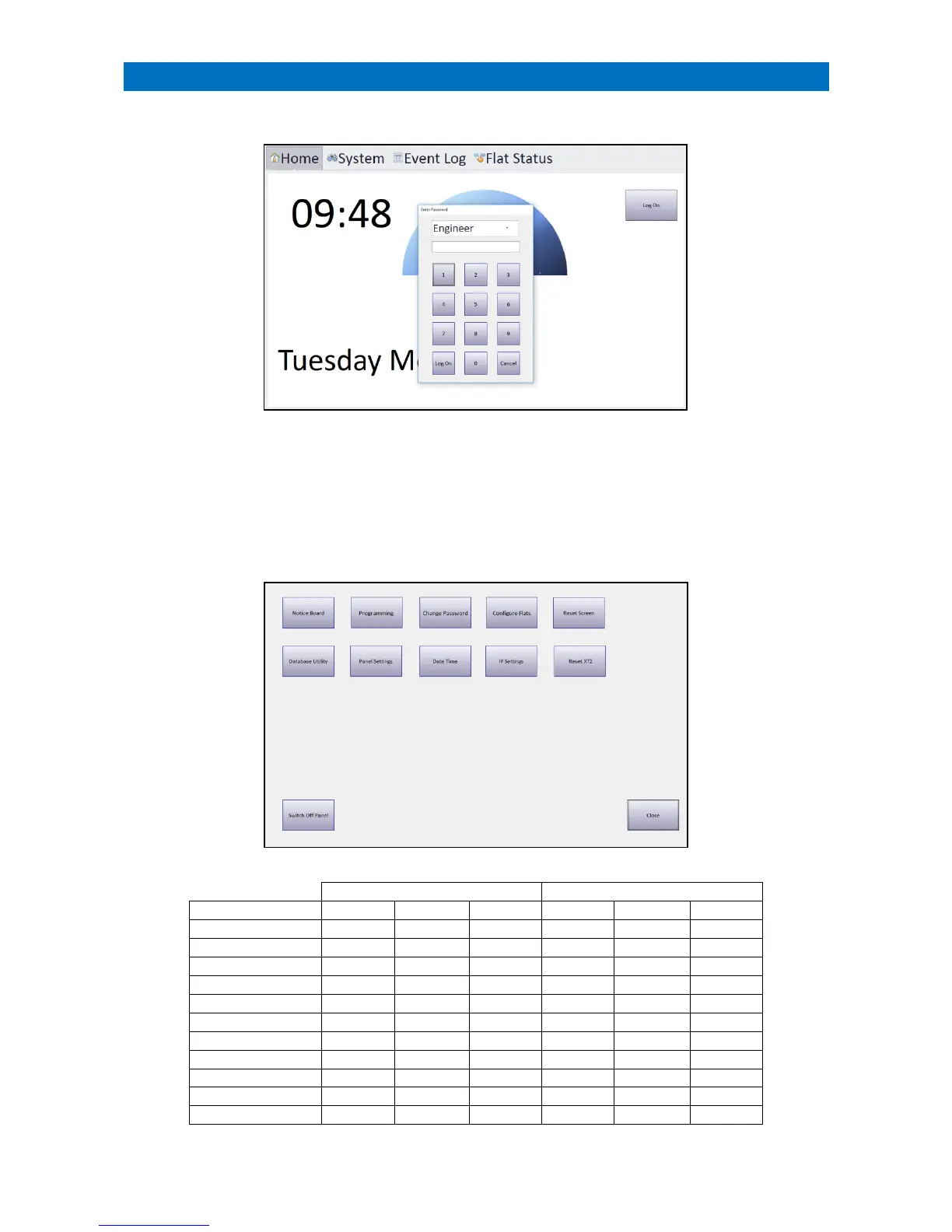
From the Home page touch the Log On button to open the Enter Password box;
There are 3 Log on options:
User – change system operating mode only
Manager – access to all user features
Engineer – full access to all features and system setup
Enter the 4-digit password* then press the Log On button. *Note: the installation Engineer will issue the passwords.
Once logged on you will be presented with the System Setup screen as shown below, the options available will vary
depending upon the log on used and whether it is the Controller or a Satellite panel.



 To Next Page