Date & Time Programming can only be performed from the Manager’s Panel designated as the Controller.
Log on using the Manager (or Engineer) password and touch the Programming button.
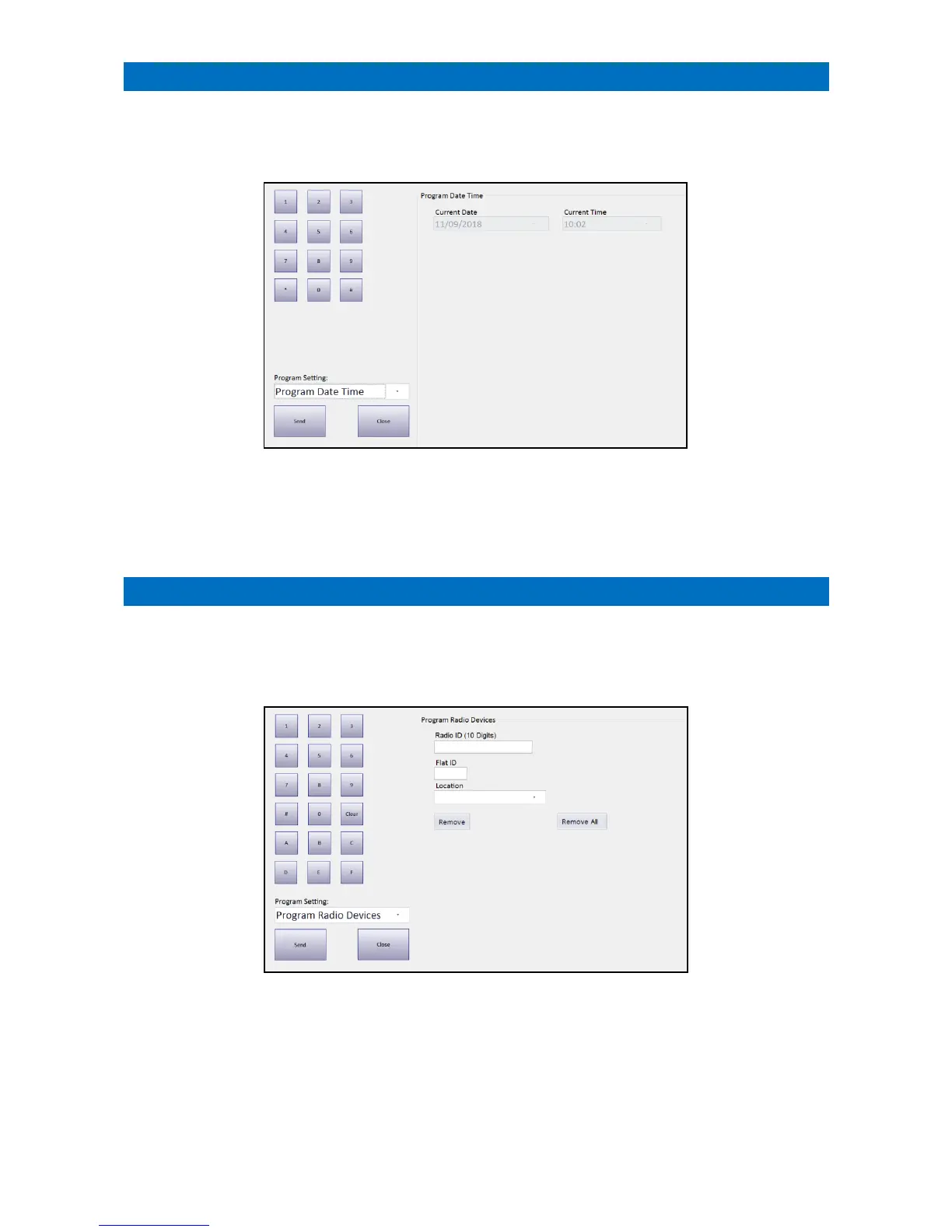
Programming will always open at the Program Date Time option as shown below.
This shows the current Windows date and time on the panel.
Use the on-screen keypad to correct the date and time if necessary.
Click on the Send button to synchronize the XT2 controller to the Manager’s Panel date and time.
Radio Device Programming can only be performed from the Manager’s Panel designated as the Controller.
Log on using the Manager (or Engineer) password and touch the Programming button.
Programming will always open at the Program Date Time option, select the Program Radio Devices option from the
Program Setting drop-down menu.
The Radio ID is a 10-digit alpha numeric code.
This information can be read from the label attached to the device that is to be added/removed from the system.
The Flat ID should be entered as a 4-digit numeric value e.g. 0014.
The Location the device is situated can be selected from the drop-down menu.
Once these details have been entered set press the Send button to update the XT2 system.
To delete a device from the XT2 system enter the details then press Remove (instead of Send).
All devices can be removed from a flat by pressing Remove All.



 To Next Page