Step 9: checking and aligning the top-Z limit switch Mounting the electronics circuit board 91
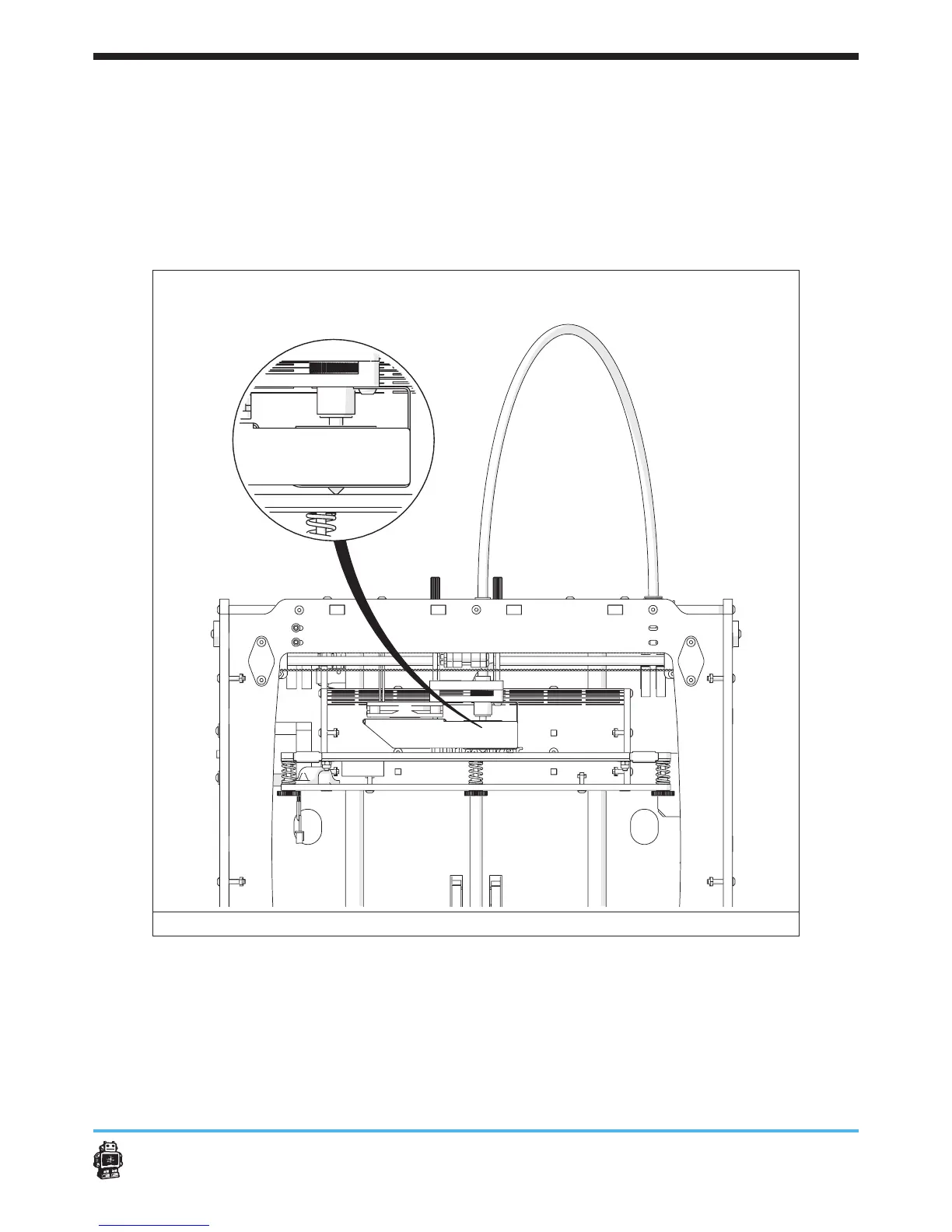
12. Move the the extrusion head rom the FRONT LEFT to the FRONT
RIGHT corner.
13. Turn the thumbscrew till the acrylic platform touches the nozzle.
14. Move the the extrusion head rom the FRONT RIGHT to the BACK
middle.
15. Turn the thumbscrew till the acrylic platform touches the nozzle.
16. Repeat the steps above to check if the allignment is correct.
image 109: alligning the acrilic platform with the extrusion head












 To Next Page