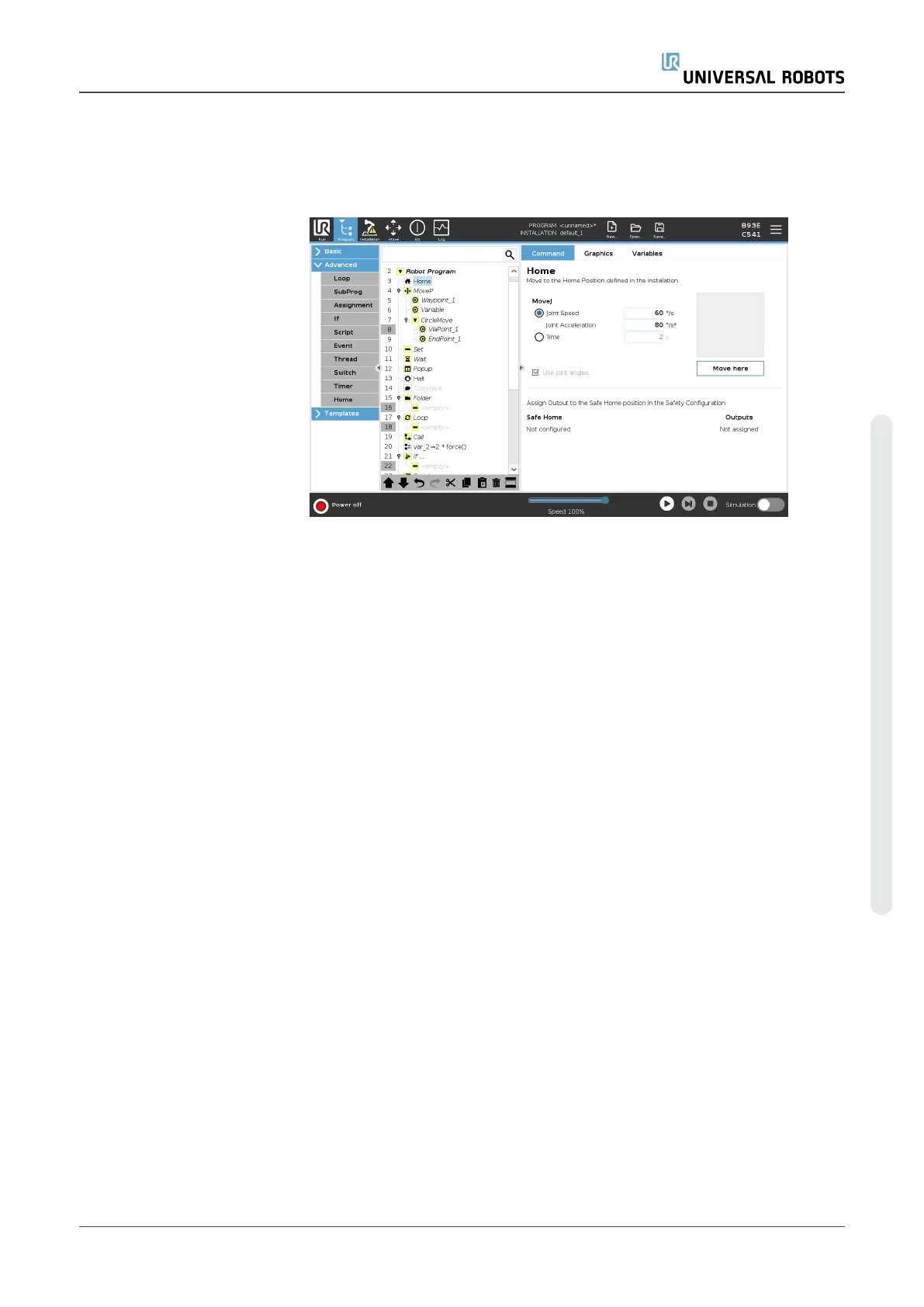
Description The Home node uses joint angles to move the robot to a predefined Home
position. If defined as a Safe Home position,the Home node displays as
Home(Safety) in the Program Tree. If the Home position is out of sync with
Safety, the node is undefined.
Defining Home Home is a user-defined return position for the Robot Arm. Once defined,
the Home Position is available when creating a robot program. You can
use the Home Position to define a Safe Home Position. (See3.2.9. Safe
Home Positionon page148) Use the Home screen buttons for the
following:
User Manual 240 UR5e
Copyright © 2009–2023 by UniversalRobotsA/S. All rights reserved.














 To Next Page