19
Cellular Phone
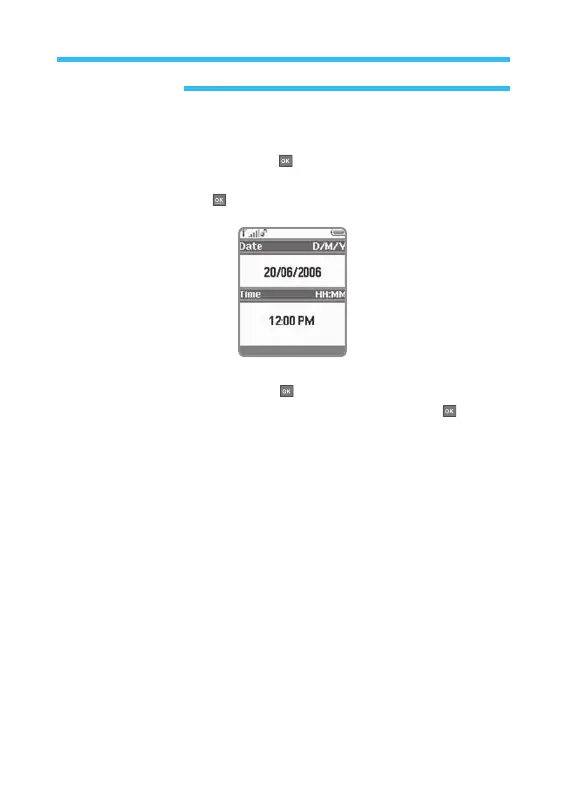
If they are not correct, press edit Key.
If the date is correct, press
OK Key .
If the date is not correct, input new date using the number on the Key pad
and then press
OK Key .
If the time is correct, press OK Key .
If the time is not correct, input new time and then press
OK Key .



 To Next Page