81
8. Display
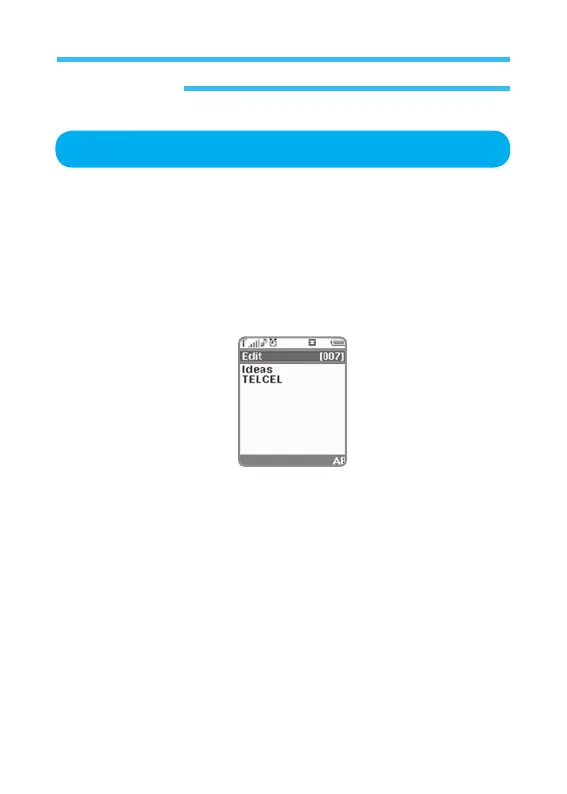
This is used to specify an initial greeting which will be shown on the screen
for a few seconds when the phone is turned on (How to set is described as
shown below).
1. In stand-by state, press menu Key to display main menu option.
2. Use the direction Key to select Display menu then press OK Key.
3. Select Greetings on Display menu and press OK Key.
• Set: Select on or off.
• Edit: This may or may not show text messages. Select a proper option
and press OK Key. Select On and press OK Key to input a text
message you want to display on the screen of the phone when it
is turned on (up to 20 characters available). After desired text is
input, press OK Key.
Greetings



 To Next Page