51
4. Sound
1. In stand-by state, press menu Key to display main menu option.
2. Use the direction Key to select
Sound menu then press OK Key.
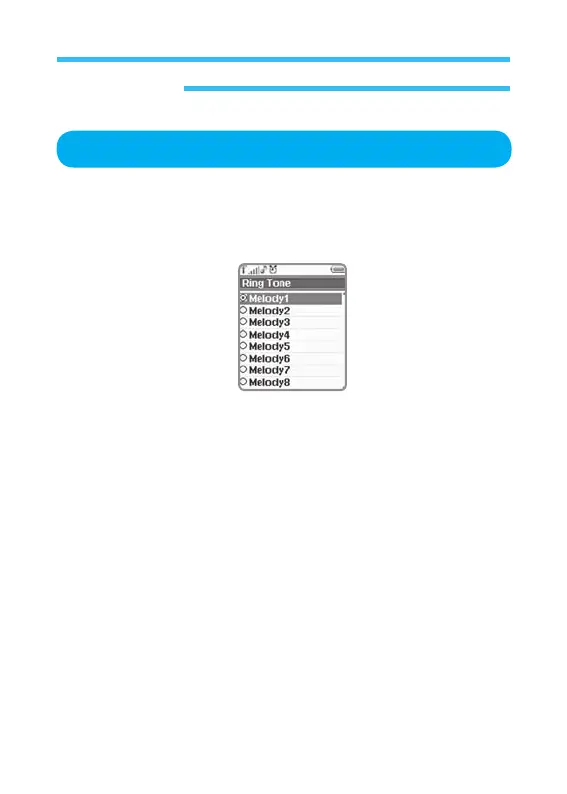
3. Select Ringer Tone on Sound menu and press OK Key.
Sets melody for received call. Select this option and press Select to display
My melodies (melody 1~10)
.
Ringer Tone



 To Next Page