44
3. Organizer
V
i
ew Calendar
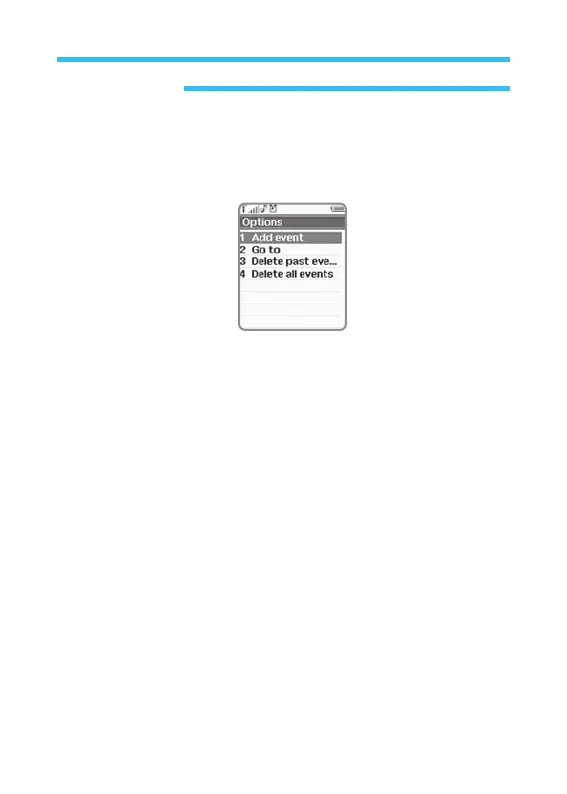
Any event once after specified can be checked everyday through the
following options displayed on calendar screen;
• Add Event: You can add a event.
- Schedule Alarm: Description, time and date.
- Meeting: Description, date, start time, end time, frequency, alarm
type, alarm time.
- Birthday: Description, date, time and alarm type.
•
Go To: Goes to the date designated on calendar in order to see the
event set on the date described.
•
Delete Past Events: Deletes all the events which happened before
today. Select this option and press OK. Then you
will be asked to confirm.
•
Delete All Events: Deletes all the events specified, which will ask you
to confirm.
Press Back Key to return to previous menu (It is the fastest route to get out
of the calendar menu).



 To Next Page