64
5. Phonebook
Memory
1. In stand-by state, press menu Key to display main menu option.
2. Use the direction Key to select Phonebook menu then press OK Key.
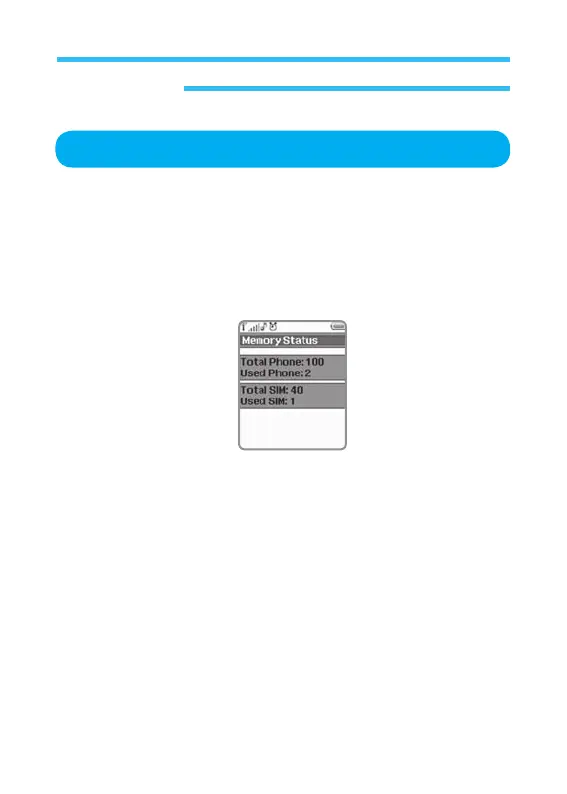
3. Select Memory on Phonebook menu and press OK Key.
This option is used to confirm the capacity and the condition of SIM card or
phone memory.
On the state window, the following information is provided.
• Phone Memory (up to 100 available)
• SIM card Memory (up to 40 available): The memory for SIM is
different each other.



 To Next Page