83
9. Settings
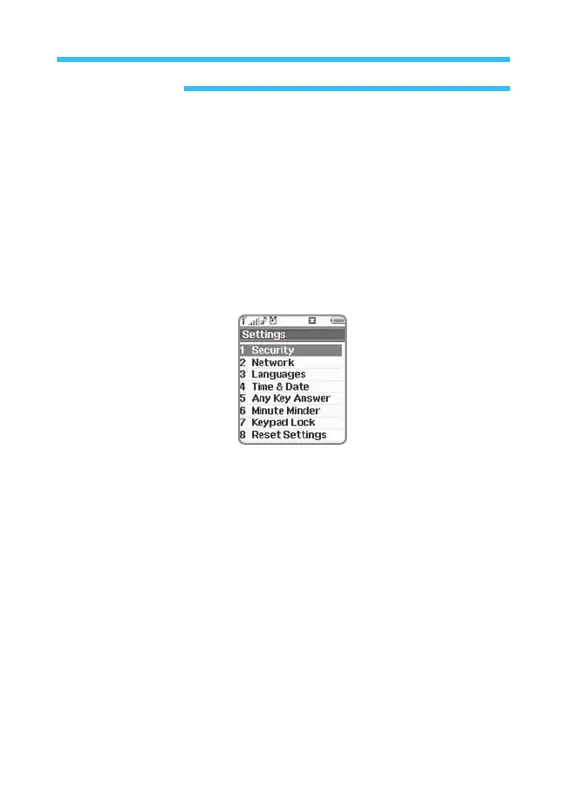
In Settings menu, you can specify all appearances of DIGITAL: (for Security,
Network, Sound, Languages, Time & Date, Any Key Answer, Minute Minder,
Keypad Lock Reset Settings) Follow the procedures below to get to Setting
menu.
1. In stand-by state, press menu Key to display main menu option.
2. Use the direction Key to select Settings menu then press OK Key.
Option list of Settings menu is as shown below;
• Security
•
Network
•
Languages
• Time & Date
• Any Key Answer
• Minute Minder
• Keypad Lock
• Reset Settings



 To Next Page