26
In the stand-by state, press the menu Key to go to standard menu.
Press the direction Key (up/down/left/right) to get into menu desired.
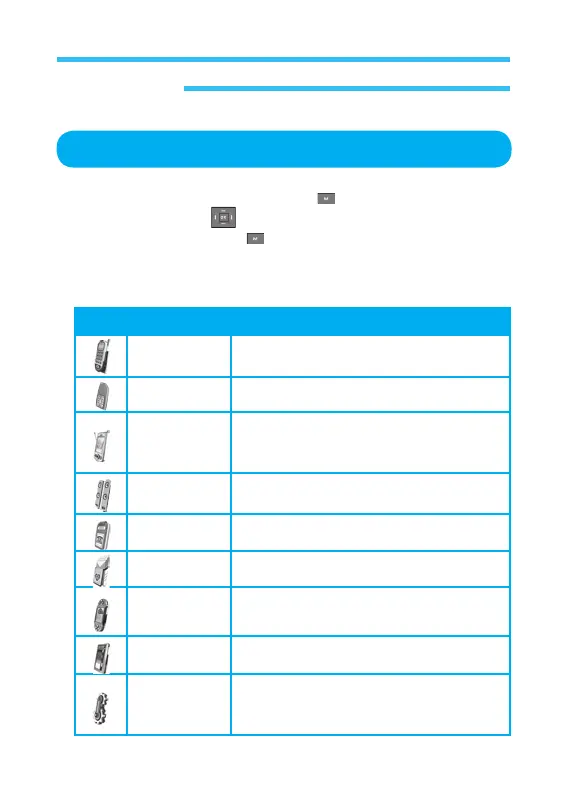
While pressing the menu Key , press relevant number to get into the
category applicable. Figures of the icons, names of the categories, brief
description of each menu and short-cut keys are as in the following table;
Icon Menu Description
Calls To look through call record
STK To use the Function in the SIM card.
Organizer To use calendar, Alarm clock,
calculator, World Clock, information on
various events meeting, birthday), etc.
Sound To setting sounds.
Phonebook To save phone numbers.
Messages To read and write text messages.
Games To select new video games.
Display To specify display.
Settings To specify network, languages,
background image and other environment
of the phone.
Whole Menus
Cellular Phone



 To Next Page