84
9. Settings
security
1. In stand-by state, press menu Key to display main menu option.
2. Use the direction Key to select Settings menu then press OK Key.
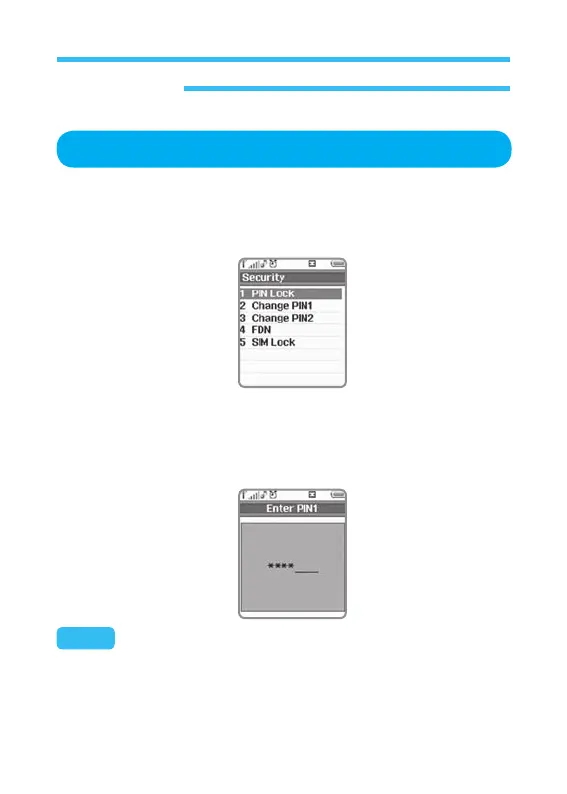
3. Select Security on Settings menu and press OK Key.
How to apply or cancel password
Password input screen will appear whenever the phone is turned on if
password has been specified. Correct password shall be input in order to
use the phone (See the figure below).
Note: Correct password of 4 digits shall be input.



 To Next Page