71
6. Message
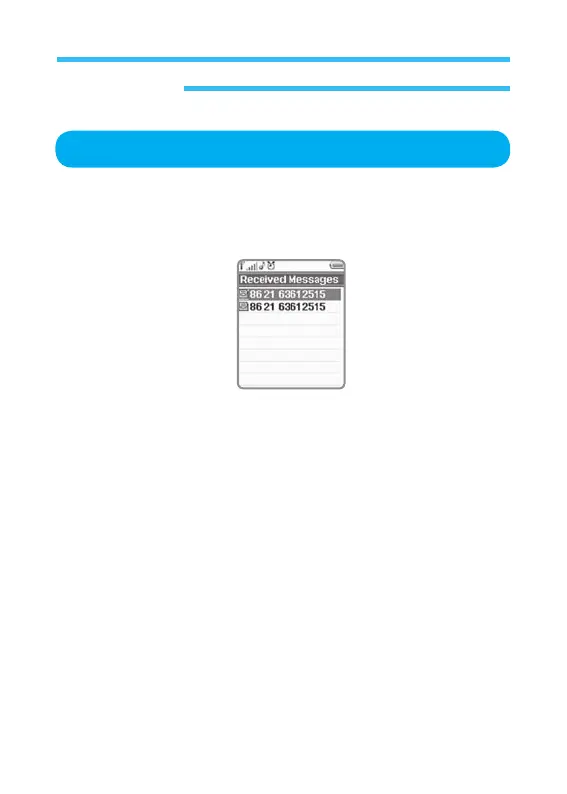
Recevied Messages
1. In stand-by state, press menu Key to display main menu option.
2. Use the direction Key to select
Message menu then press OK Key.
3. Select Recevied Messages on Message menu and press OK Key.
Press OK Key to confirm the new text message, and press Back Key to
return to the previous screen.
Select Open to display the received message including senders received
date and time, and its details. (See the figure below)
5. Press option Key to display message option screen.
• Reply:
Displays Write Text Screen to replay to the message received.
Write message as desired. If you want to know how to write and
send text message (SMS), refer to <New Message>.
• Forward:
Delivers the received message to others. Input the phone
number directly thereon or select a receiver on address
book. Then press OK Key.
• Delete:
Delete selected.
• Delete All:
Delete all messages.



 To Next Page