27
Common Screens And System In Various
Menus
Input Phone Number
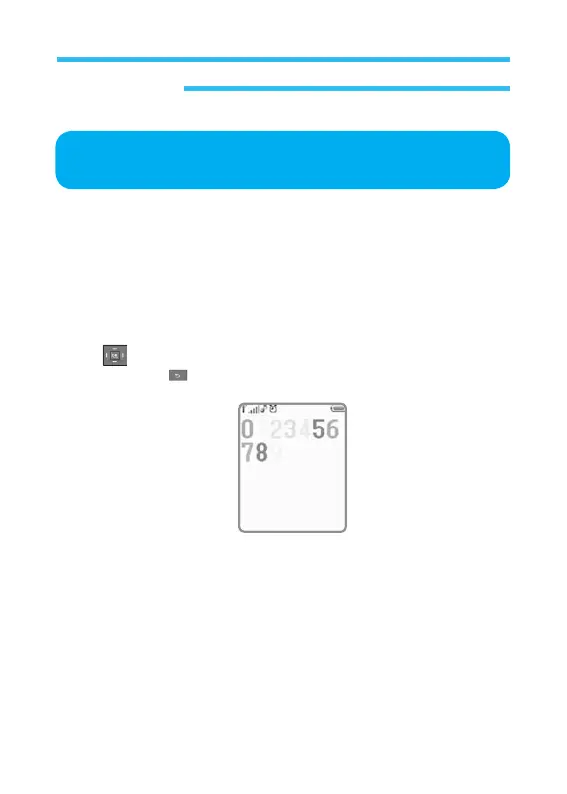
When you start inputting number in stand-by state, the number will be
displayed, moving from right to left as it is inputted. If the number input
reaches the end of the right, the number will move to the lower line to
prepare a space for the next numbers to input.
During inputting number, the screen will be as shown below.
In order to insert a number between numbers just entered, use the direction
Key (up/down/left/right) to move the cursor.
Press Back Key to delete the number on the left of the cursor.
Wr
i
ter
Writer is used to input phone number, text or number.
All kinds of writers (phone number, number, text) have their own functions
respectively.
Cellular Phone



 To Next Page