45
3. Organizer
Other Event Options
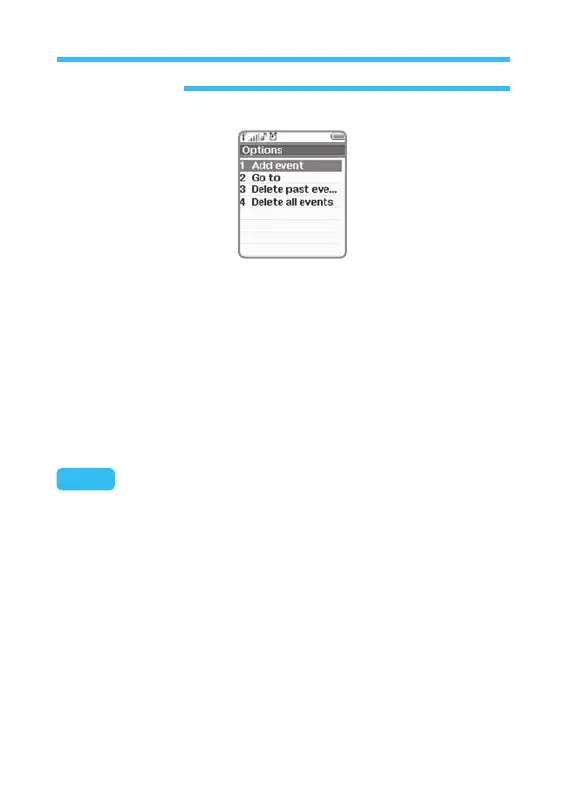
You can execute other operation on calendar menu. Select Event option
on the displayed screen and press Select. Then, choose Select and
press Select to display the event list arranged, based on specified date
and its operation time (See the figure below).
• Edit: Edits specific details related with event (Description, Date, start
time, end time, frequency, etc.)
• Delete: Deletes selected event. You will be asked to press Yes to
confirm).
Note: Factors to be written for event are different according to its type.
That is to say, all kinds of events do not have the same factors.



 To Next Page