50
4. Sound
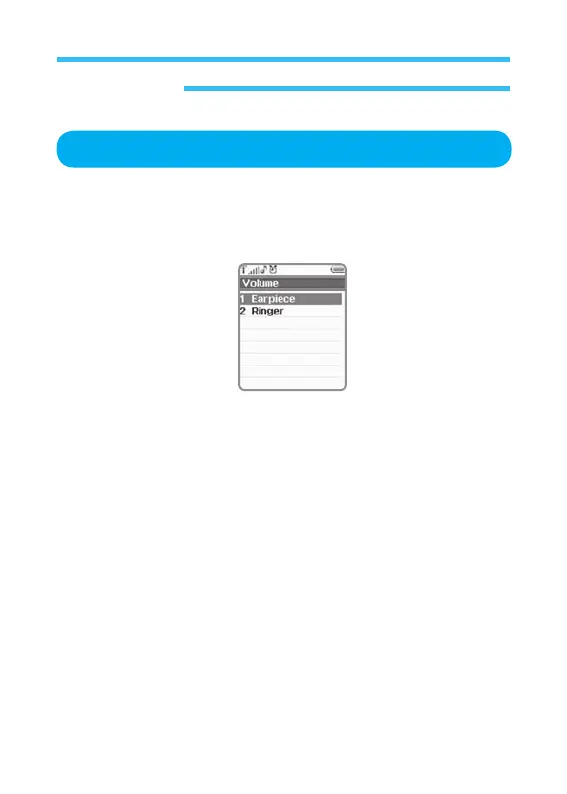
Volume
1. In stand-by state, press menu Key to display main menu option.
2. Use the direction Key to select
Sound menu then press OK Key.
3. Select Volume on Sound menu and press OK Key.
• Earpiece
•
Ringer
Sets volume from Earpiece and Ringer for hearing. Press the upper
direction
Key to turn the volume up, or the lower to turn the volume down. After the
volume is set, press OK Key to return to volume menu.



 To Next Page