75
6. Message
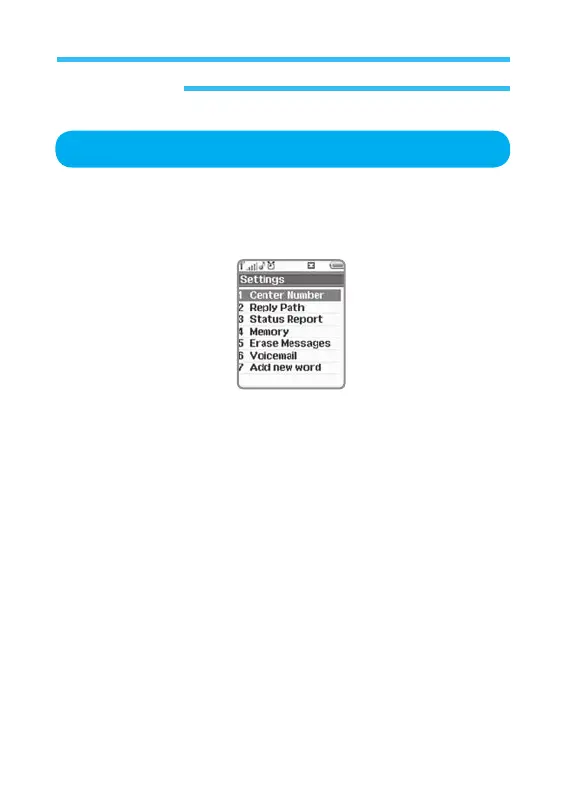
Settings
1. In stand-by state, press menu Key to display main menu option.
2. Use the direction Key to select
Message menu then press OK Key.
3. Select Settings on Message menu and press OK Key.
• Center Number:
Specifies number of message center. It is the phone
number of the center for you to call in order to send or
receive messages. Its service provider shall specify this
number previously.
• Reply Path:
Makes the application of the center on or off as necessary to
send or receive messages.
• Status Report: To get the status report from the SMS Center
• Memory: Check the memory that can storage in Phone and SIM.
• Erase Messages : Deletes all messages saved (All, Received Box, Sent
Box or Unsent Box).
• Voicemail : Set/Edit the voicemail number.
• Add new words : Add new words that are using in Smart input editing.



 To Next Page