20
Cellular Phone
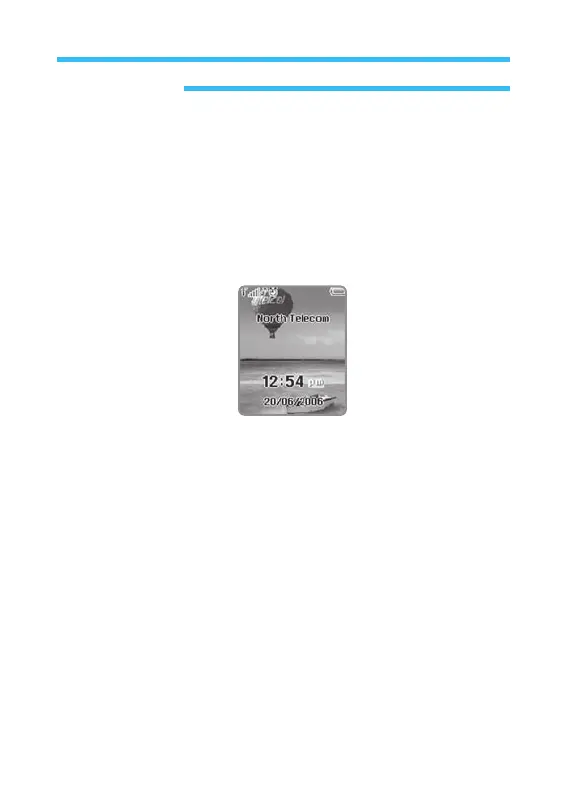
Stand-by Screen
Note For about 1 minute and 30 seconds after the phone is on, it’s image
and menu may be displayed a little slower than usual. This delayed
time is for environmental setting of the menu. And the menu will not be
displayed during this duration. After this duration, the speed will be back to
normal.Stand-by screen is displayed when the phone is available to answer
or use to call.
• Central
Part: If the phone is not available yet for services, bumpy
paper type of background is displayed, where main
menus are displayed here too.
• Lower
Part: On the top, present time will be displayed. On the bottom,
will be day, month, year displayed as a selection Key.



 To Next Page