47
3. Organizer
Calculator
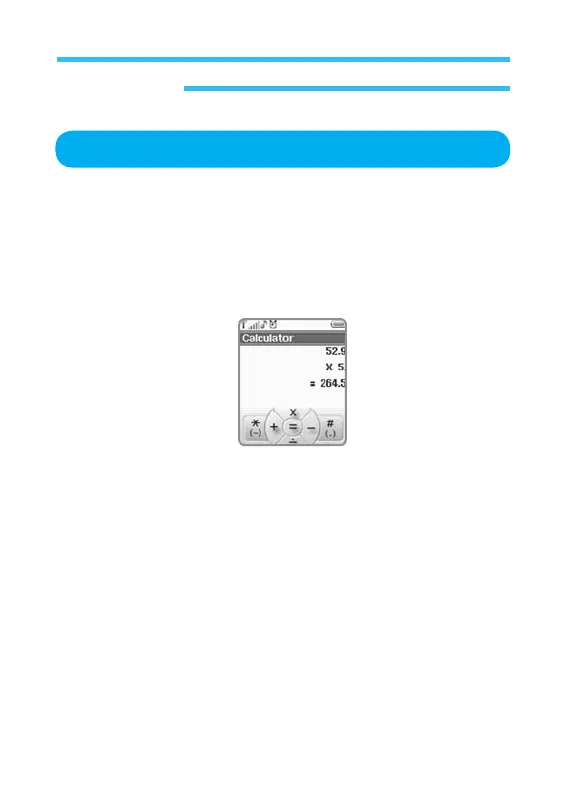
The mobile calculator helps you to perform basic calculation work. Follow the
procedures below to use the calculator.
1. In stand-by state, press menu Key to display main menu option.
2. Use the direction Key to select
Organizer menu then press OK Key.
3. Select Calculator on Organizer menu and press OK Key.
- Use number keys to input numbers desired.
- Use # key to display a decimal point.
- Use
*
key to make a negative number.
- After desired number is input, press up
/
down/left/right Navigation key
to input the signs of x, ÷, +, and -.
- Input the first number and then the second number to calculate.
- Te get the result of the calculation, press OK Key.
Press Back Key to return to previous screen.



 To Next Page