25
Cellular Phone
Calls
Mak
i
ng A Call
To make a call, press desired phone number in stand-by screen state and
then Call Key .
If you input wrong number, back Key to delete the last number input.
Press End Key to finish the call.
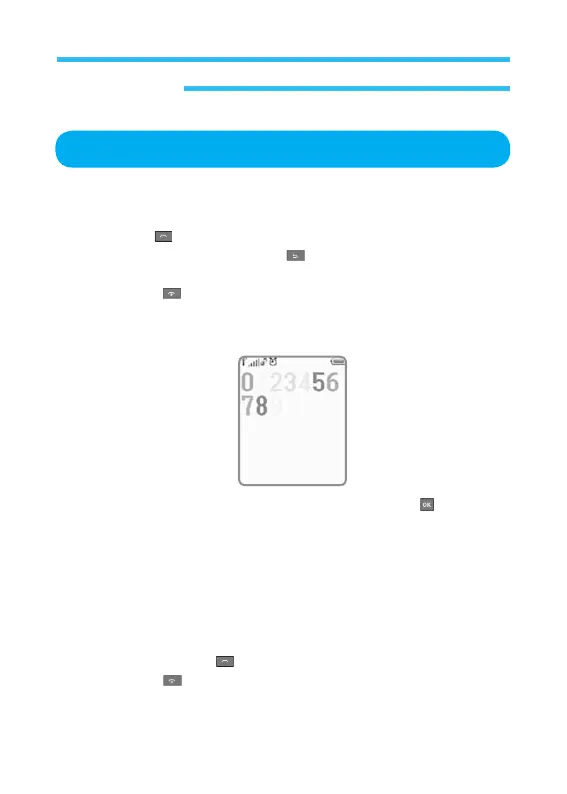
In the stand-by state of the phone, input number to display the following
screen.
If the inputted phone number is displayed, just press OK Key and specify
a save folder.
If SIM card or the memory of the phone is displayed automatically, specify
a related type of the phone too. (Refer to the user manual for more detailed
procedures)
Answer
i
ng The Phone
Press Call (receive) Key to answer the phone call.
Press End Key not to answer the phone call.



 To Next Page