37
1. Calls
All
1. In stand-by state, press menu Key to display main menu option.
2. Use the direction Key to select
Calls menu then press OK Key.
3. On
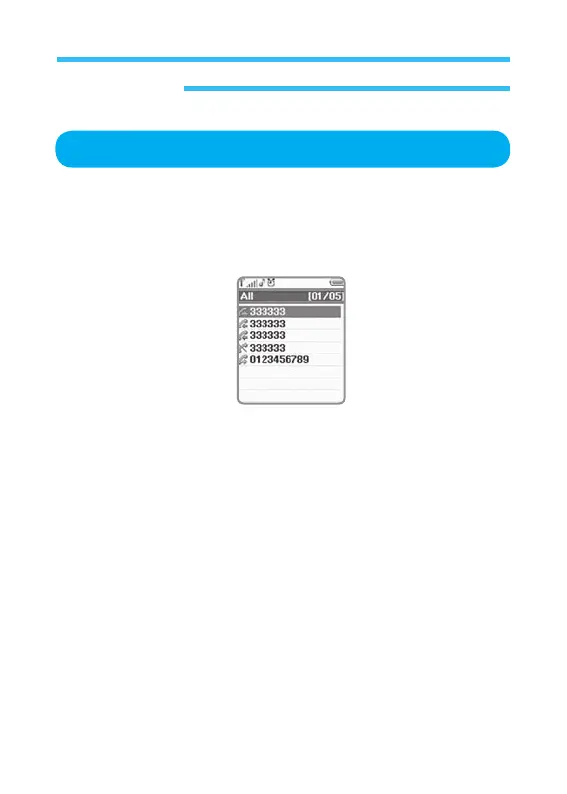
Calls screen, Select All and press OK Key to display the following
information.
Select a call desired and press menu Key to display new menu with the
following options;
• Send Message:
Sends a message to selected number.
• Save:
Allows you to add new contact to address book conveniently. You
should specify where to save information and details of contact
name, phone type, etc., as described previously in address book
options.
• Delete: Deletes selected number from call list, which needs your
confirmation. Select Yes then Press OK Key to confirm to Delete
the Missed.



 To Next Page