46
3. Organizer
Alarm Clock
1. In stand-by state, press menu Key to display main menu option.
2. Use the direction Key to select
Organizer menu then press OK Key.
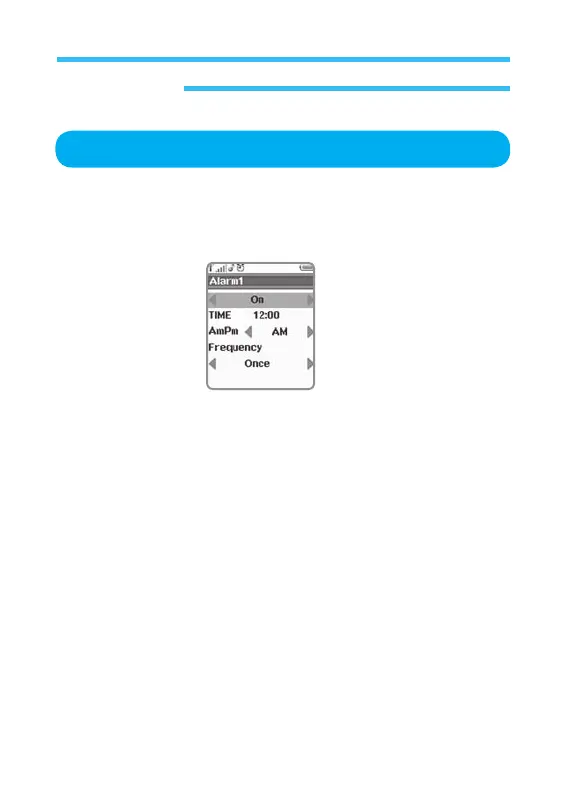
3. Select Alarm Clock on Organizer menu and press OK Key.
• Alarm: Select On or Off.
• Time: Setting time with number key.
• AmPm: Select Am or Pm. Select Am or Pm. (This option will not be
shown in 24hours time mode)
•
Frequency: Select (Once, Weekend, On weekdays, Daily).



 To Next Page