97
9. Settings
1. In stand-by state, press menu Key to display main menu option.
2. Use the direction Key to select Settings menu then press OK Key.
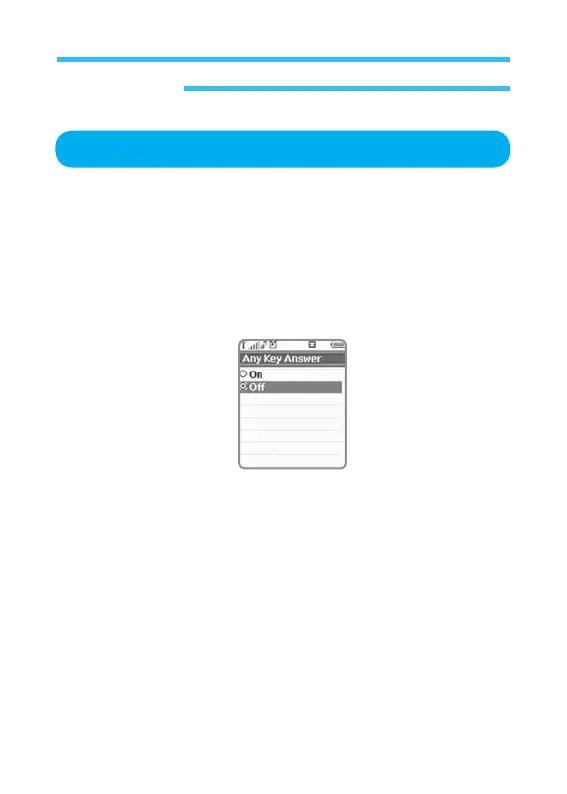
3. Select Any Key Answer on Settings menu and press OK Key.
Starts connection if active to any call when any Key on the pad is pressed.
This option can be made on or off (Press OK Key to have access to this
option).
Any Key Answer



 To Next Page