96
9. Settings
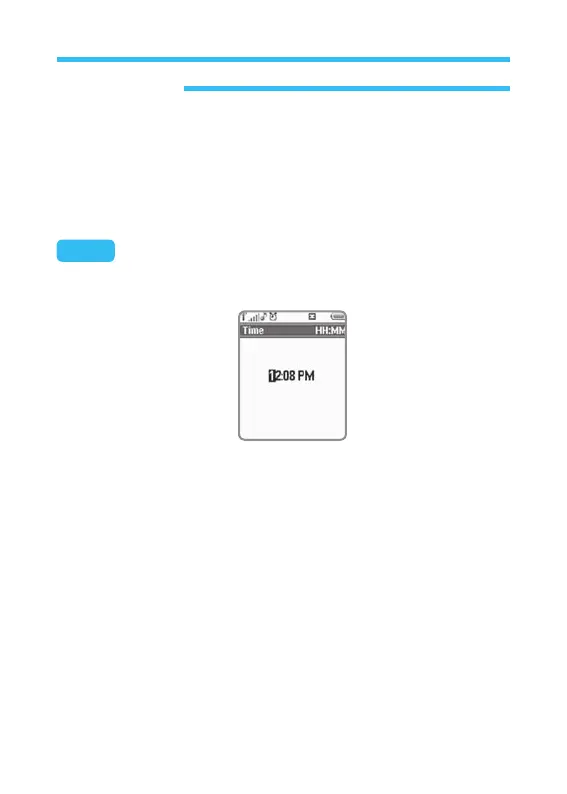
• Time: Select this option and press Select to edit Time displayed on
the phone. With number key, change Time as desired and press
Select Key to confirm the change and return to previous screen.
If you want to cancel the change or return to previous screen, just
press Back without pressing Select.
• Time Format: Select this option and press OK to edit Time form
displayed on the phone, where 2 options are available.
- 24 hours: It is an established option, where time is displayed 00:00
to 23:59 regardless of AM or PM. If you want this option,
select Option and press Confirm to return to previous
screen.
- 12 hours: This option is based on 12 hours system, where 00:00 to
12:00 of AM and PM (before and after noon) is displayed. If
you want this option, select Option and press OK Key.
Note: If you try to turn the phone on with different SIM card while SIM is set
locked, the phone will show a message <This is an invalid SIM card>.
Emergency call only will be available again.



 To Next Page