54
4. Sound
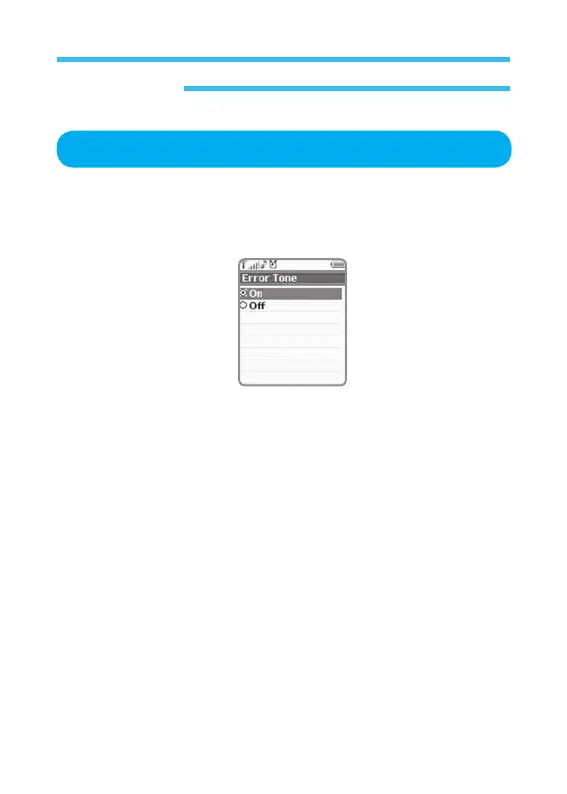
Error Tone
1. In stand-by state, press menu Key to display main menu option.
2. Use the direction Key to select
Sound menu then press OK Key.
3. Select Error Tone on Sound menu and press OK Key.
•
On
•
Off
Allows you to apply or cancel the sound function operated if an error occurs
on the phone (Default is set on).



 To Next Page