52
4. Sound
1. In stand-by state, press menu Key to display main menu option.
2. Use the direction Key to select
Sound menu then press OK Key.
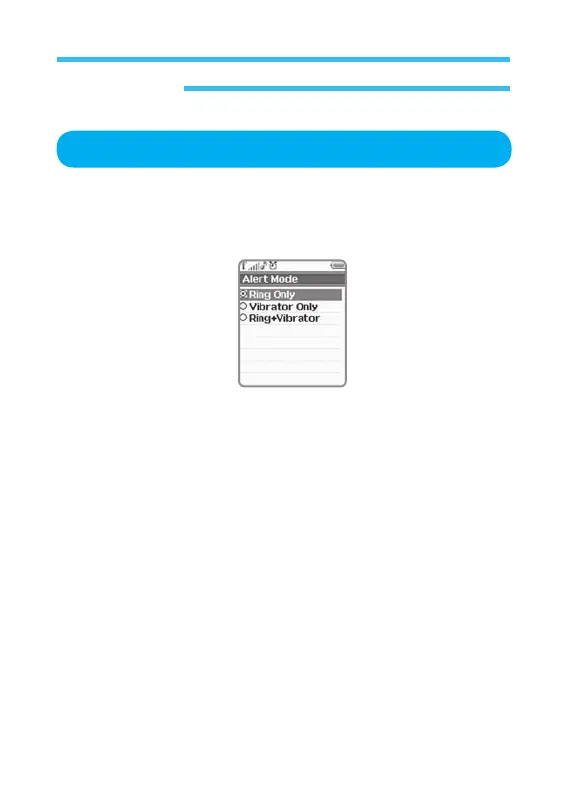
3. Select Alert Mode on Sound menu and press OK Key.
Set the alert mode when the phone operates.
•
Ring Only: Alerts(Ring) only with sound when you have a call or/and
operates the phone.
• Vibrate Only: Alerts(Ring) only with vibration when you have a call
or/and operates the phone.
•
Ring + Vibrator : Alerts(Ring) sound with vibration when you have a
call or / and operates the phone.
• Manner mode : Alerts only with vibration when you have a call or/and
operates the phone.[Only can be set in Idle screen,
with long pressing * Key]
Alert Mode



 To Next Page