42
3. Organizer
Calendar
1. In stand-by state, press menu Key to display main menu option.
2. Use the direction Key to select Organizer menu then press OK Key.
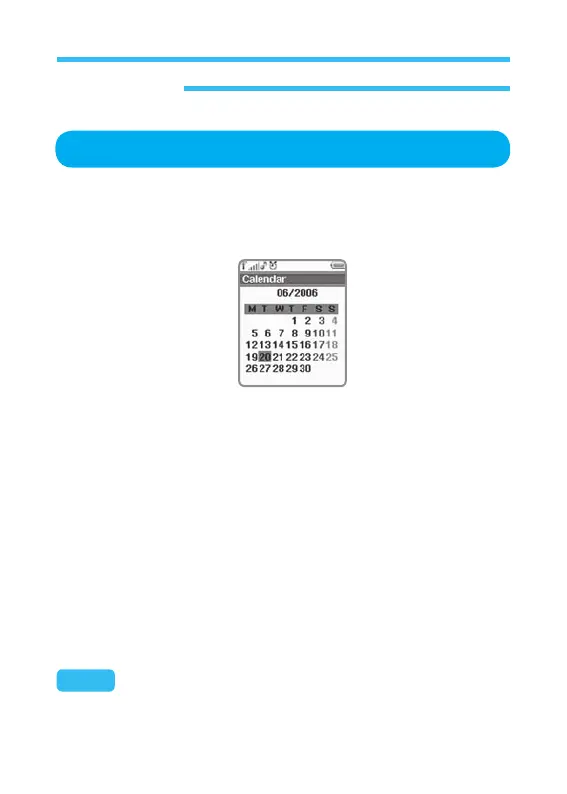
3. Select Calendar on Organizer menu and press OK Key
Main options related with Calendar will be displayed as shown below;
Add Events
On Calendar screen, select Events option and press OK to display the
screen, where you can add, delete or execute an event.
Follow the procedures below to apply this function;
1. On option screen, select Add event and press OK Key.
2. Go to the screen where you can select the type of event to specify.
• Schedule Alarm: Sets an alarm for Shcedule.
• Meeting: Sets an alarm for meeting.
• Birthday: Sets an alarm for birthday.
Note: Definition of each alarm differs a little according to each case as
follows;



 To Next Page