38
1. Calls
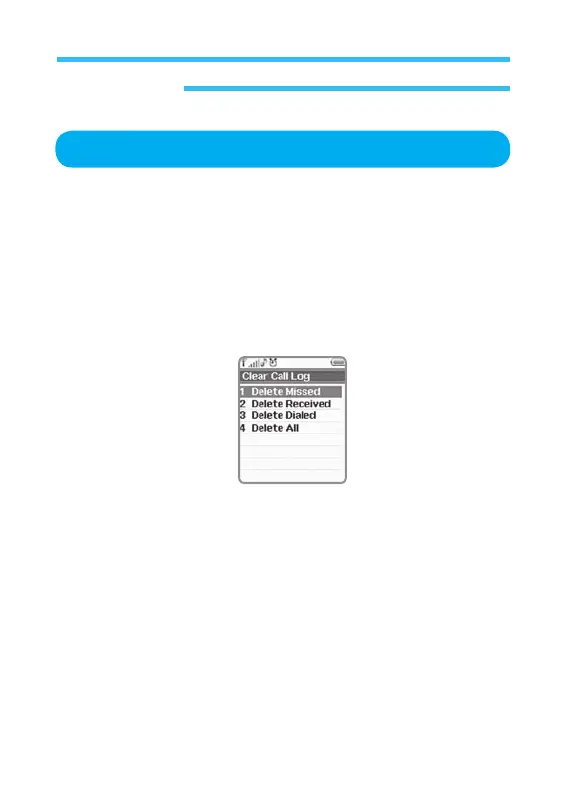
Clear Call Log
This option is used for you to erase all the call lists through call option
menu. (Missed, Received, Dialed, All)
It will erase all the record of calls with ease.
1. In stand-by state, press menu Key to display main menu option.
2. Use the direction Key to select
Calls menu then press OK Key.
3. On
Calls screen, Select Clear Call Log and press OK Key to display the
following information.
• Delete
Missed: Deletes all calls in absence saved.
• Delete
Received: Deletes all received calls saved.
• Delete
Dialed: Deletes all sent calls saved.
• Delete
All: Deletes all the lists of calls saved.



 To Next Page