82
8. Display
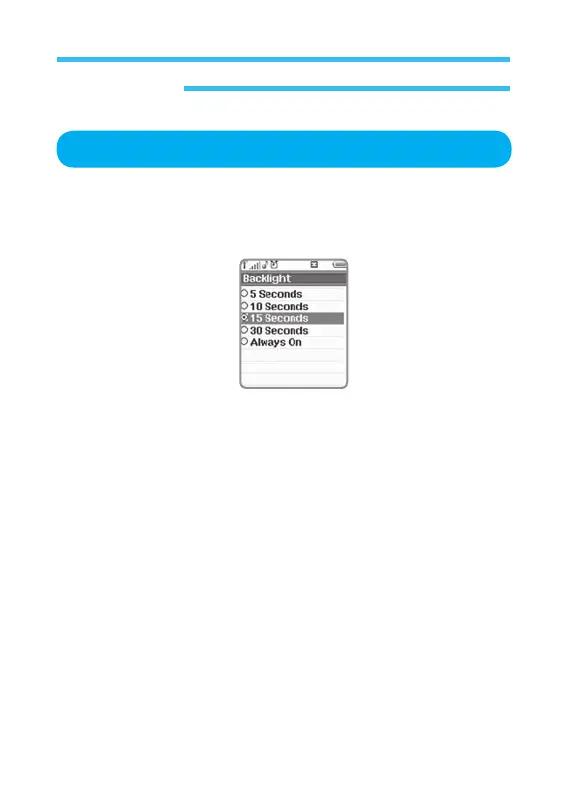
Backlight
1. In stand-by state, press menu Key to display main menu option.
2. Use the direction Key to select Display menu then press OK Key.
3. Select Backlight on Display menu and press OK Key.
Backlight the display (5 seconds, 10 seconds, 15 seconds, 30 seconds, or
Always on).



 To Next Page