70
6. Message
1. In stand-by state, press menu Key to display main menu option.
2. Use the direction Key to select
Message menu then press OK Key.
3. Select New Message on Message menu and press OK Key.
4. Typing shot Message then press OK Key.
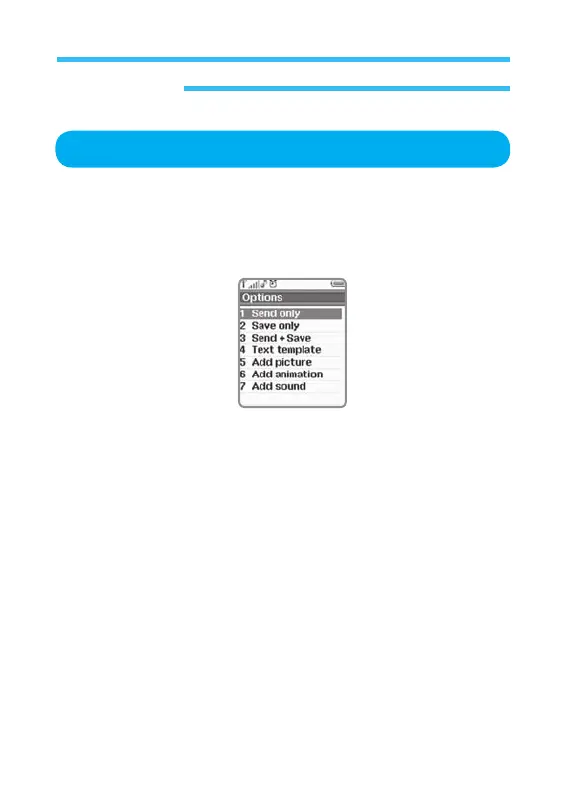
5. The options on this menu are as follow;
• Send Only: Send a message to a specific receiver only.
• Save Only: Saves text which is not yet sent in phone memory.
• Send+Save: Send message then save message in phone memory.
• Text Template: Select Template of User inputted.
• Add Picture: Allows user to insert picture in a message.
• Add Animation: Allows user to insert animation in a message.
• Add Sound: Allows user to insert sound in a message.
6. Go to Address writer separately specified and input Number as desired
then press
OK Key.
7. Select Yes or No to send a Message or not.
New Message



 To Next Page