95
9. Settings
Time & Date
1. In stand-by state, press menu Key to display main menu option.
2. Use the direction Key to select Settings menu then press OK Key.
3. Select Time & Date on Settings menu and press OK Key.
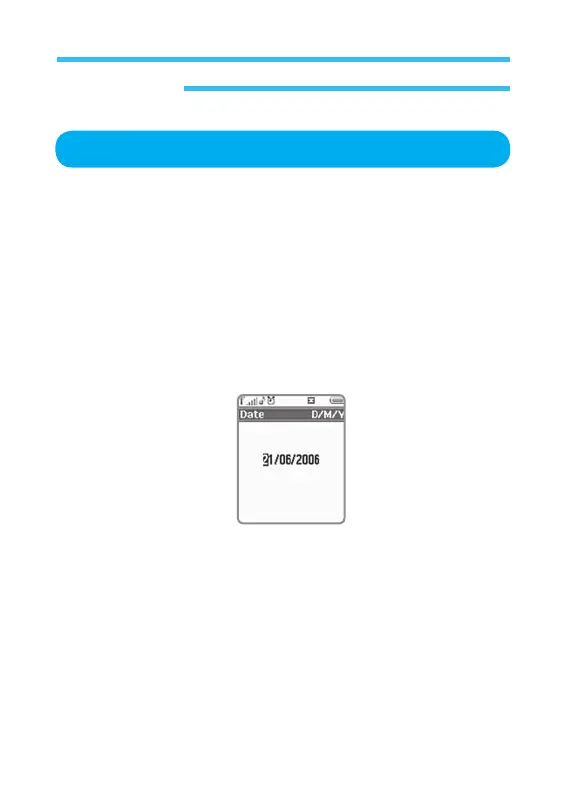
• Date: Select this option and press OK Key to edit the date on the
phone. Write new date on designated form (DD/MM/YYYY). With
number key, write down Day (2 digits), Month (2 digits) and Year
(4 digits), and press OK Key to confirm the change and return
to previous screen. If you want to cancel the change or return to
previous screen, just press back without pressing Select.
• Date Format: Select this option and press OK Key to edit Date form
displayed on the phone, where 3 options are available.
- D-M-Y: Established form (day-month-year)
- M-D-Y: Form in English (month- day- year)
- Y-M-D: Commonly used form in communication (year- month-day)
Select a desired form and press Confirm to return to previous option screen.



 To Next Page