63
5. Phonebook
Speed Dial
1. In stand-by state, press menu Key to display main menu option.
2. Use the direction Key to select Phonebook menu then press OK Key.
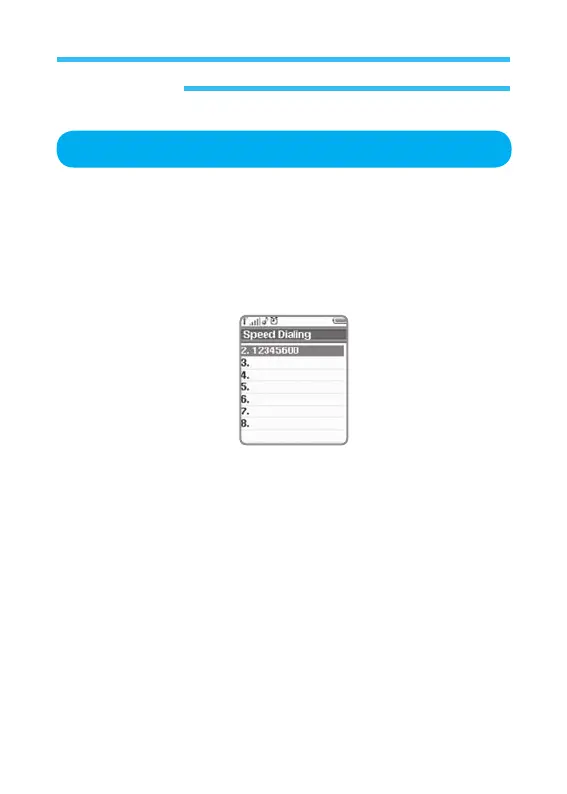
3. Select Speed Dial on Phonebook menu and press OK Key.
If this option is applied, you can make a fast call. Select number and then
press it to make a fast call thereto in stand-by state.
Individual phone number can be set to each number Key of 2 to 9.



 To Next Page