USTER®
HVI 1000
Instruction Manual
Uster Technologies, Inc. Chapter 8
(5/08) System Diagnostics - Page 8-6
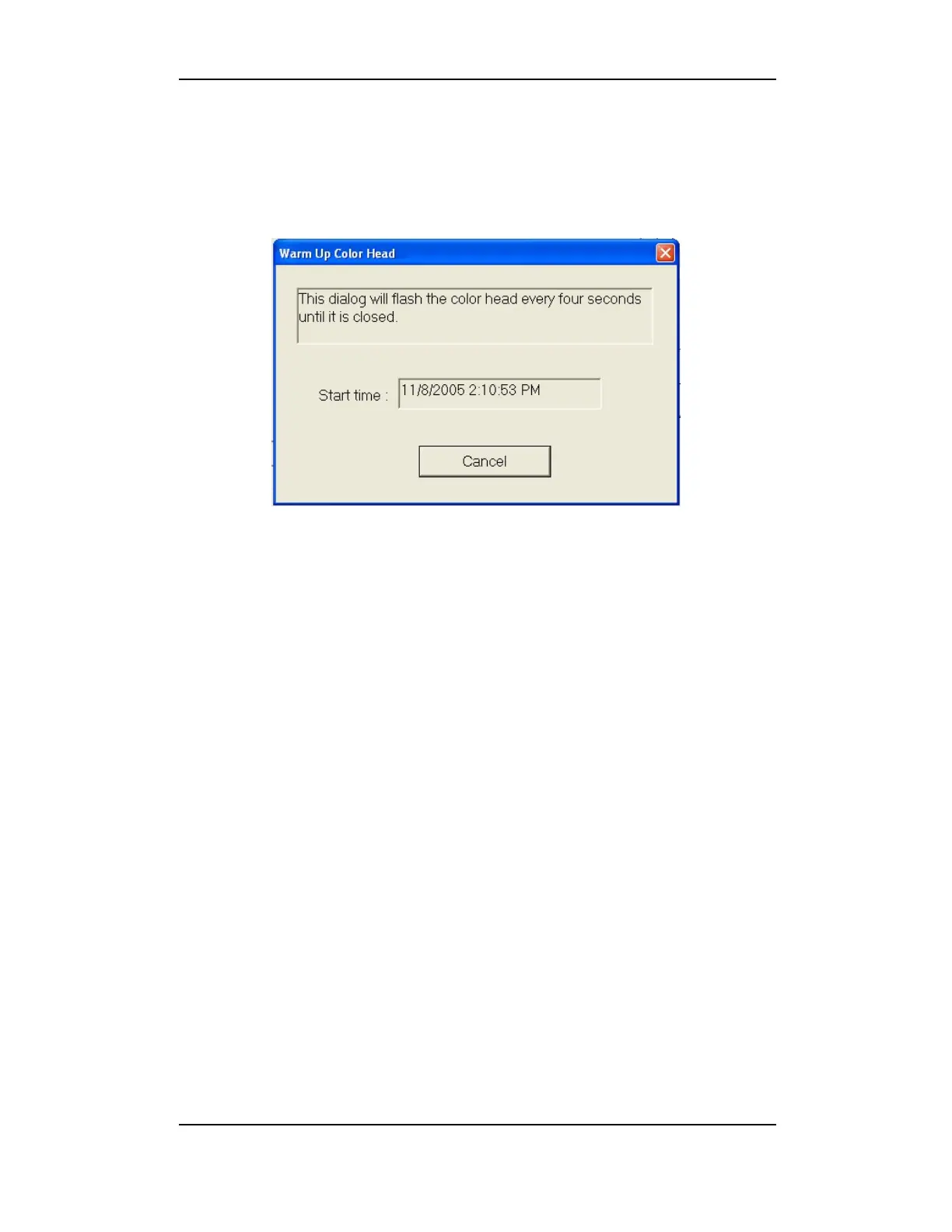
3.2.5 Warm Up Color Head
This tool allows the qualified service technician to ensure that the
colorhead is properly warmed up.
Figure 8-5: Warm Up Color Head
Click the Warm-Up Color Head button located in the color head
area of the DIAGNOSTICS MAIN MENU. Allow to run for 1 minute. The
color head will flash continuously every four seconds until you click the
Cancel button.
3.2.6 Exit
Click Finish to return to the D
IAGNOSTICS MAIN MENU.



 To Next Page