USTER®
HVI 1000
Instruction Manual
Uster Technologies, Inc. Chapter 3
(3/08) System Startup - Page 3-13
3.5 Report Launcher
The REPORT LAUNCHER allows you to configure, view and print module
and bale data, information from testing, bale classing data, bale count
data and summary reports.
There are three ways to view a report.
1. Click the Reports Launcher icon on the toolbar to launch the
RptLauncher.exe utility.
2. Double-click the Reports Launcher desktop icon.
3. Select the Report button from within a testing area.
3.5.1 View Reports
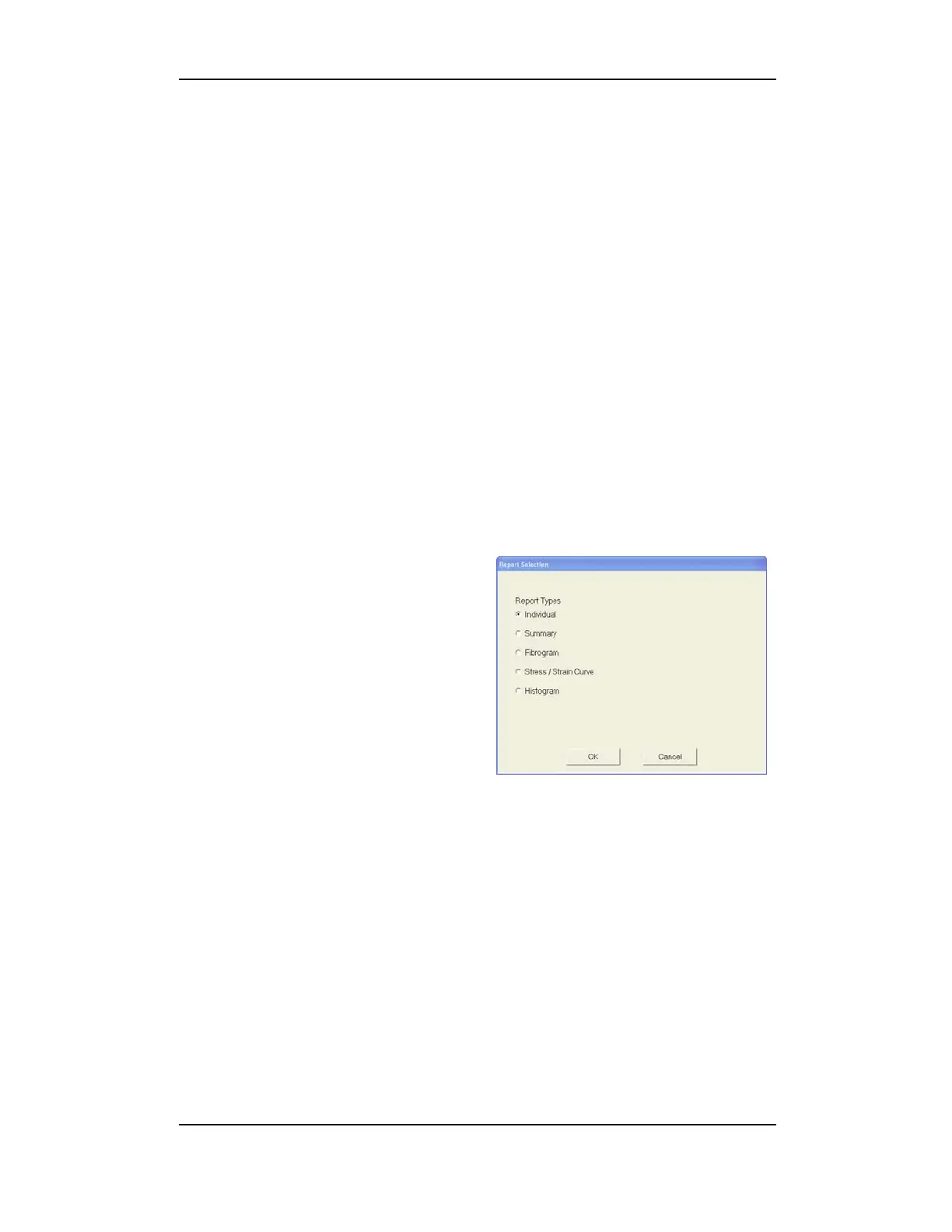
1. Select the Report button within
a testing area to launch a
Report Selection window.
2. Click to darken the radio button
preceding your choice.
3. Click OK to launch the Report.
Figure 3-8: Report Selection
Note: Selection windows will differ depending upon which testing
area Report is selected from.



 To Next Page