USTER®
HVI 1000
Instruction Manual
Uster Technologies, Inc. Chapter 5
(3/08) Calibration - Page 5-9
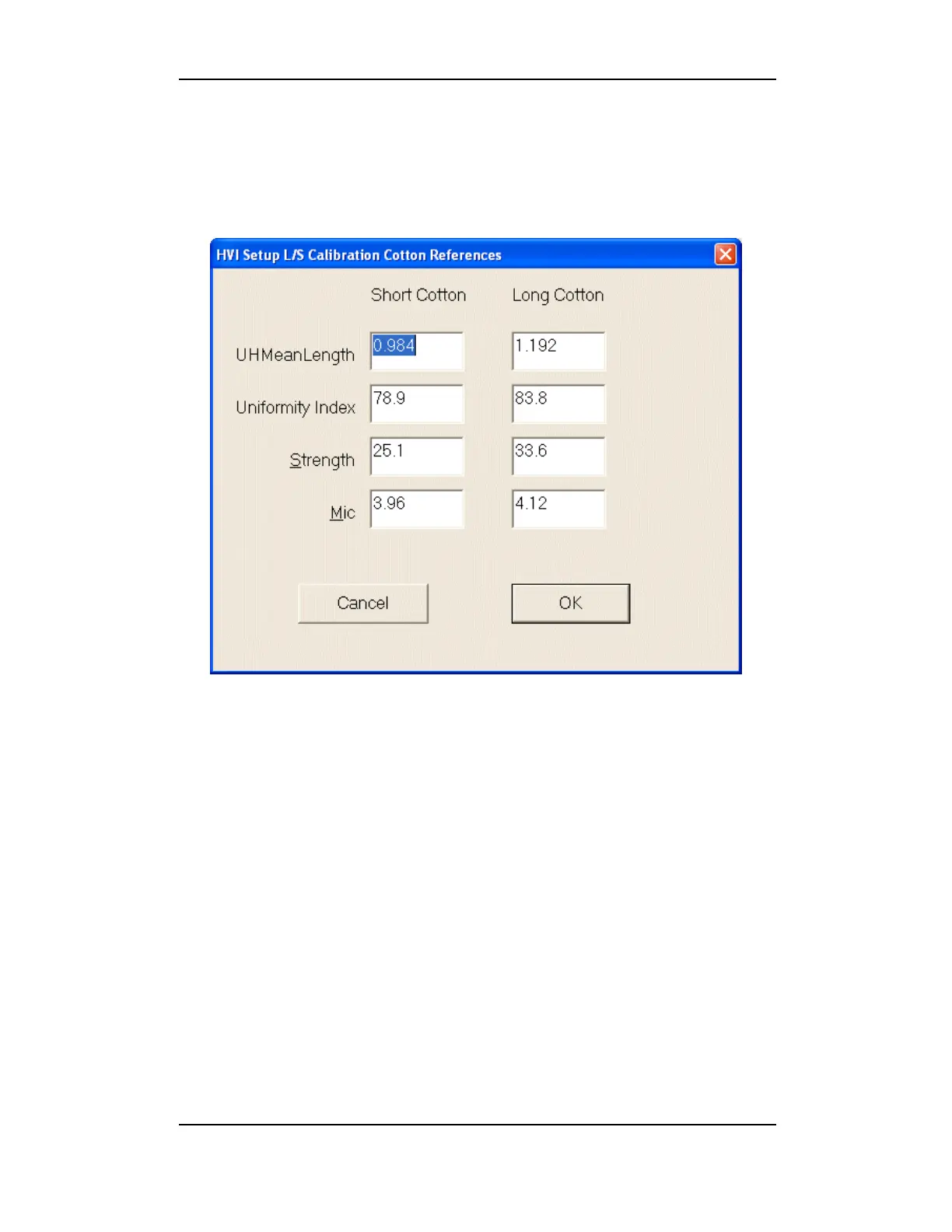
3.1.2 Setup L/S Calibration References
In this area, enter the standard values found on the outside of the
calibration cotton boxes.
Figure 5-4: Setup L/S Calibration References
1. Select the Setup References button.
2. Enter the values that are listed on the boxes of calibration cottons
currently in use.
3. When the values have been checked/added, click OK to save the
changes and return to the CALIBRATION MAIN MENU.



 To Next Page