USTER®
HVI 1000
Instruction Manual
Uster Technologies, Inc. Chapter 5
(3/08) Calibration - Page 5-10
3.1.3 Check Calibration
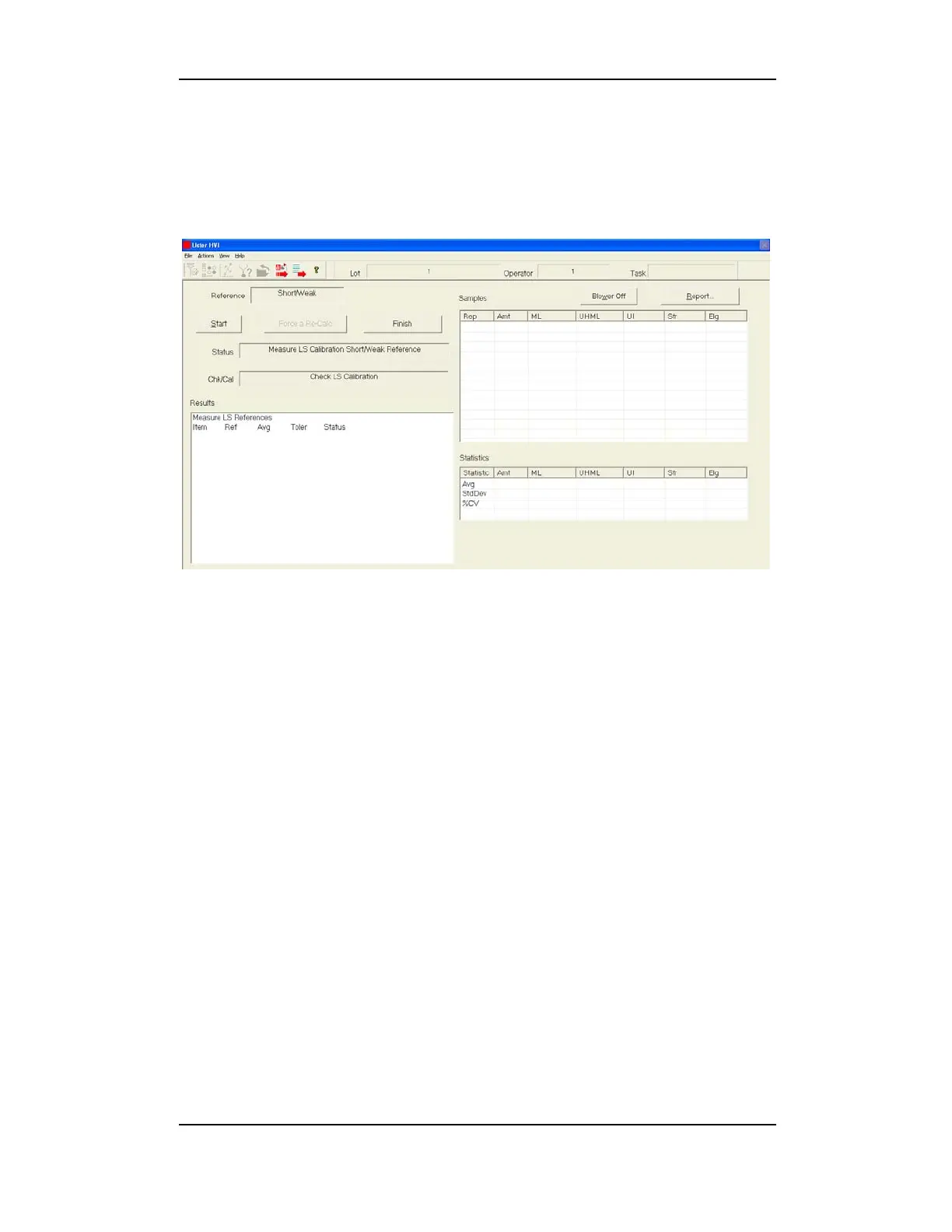
Click the Check Calibration button to launch the CALIBRATION MENU.
Click Start to perform a calibration check, or to begin calibration.
Figure 5-5 L/S Check Calibration Menu
If the calibration check passes, an L/S Calibration is not required. To
perform a re-calibration anyway, click Force a Re-Calc.
If the calibration check fails, you must then perform L/S calibration.
When calibration procedures are complete results are saved
automatically as calibration passes. You can then select to view or print
a Report. Click Finish to return to the C
ALIBRATION MAIN MENU.



 To Next Page