USTER®
HVI 1000
Instruction Manual
Uster Technologies, Inc. Chapter 4
(3/08) Configuration - Page 4-13
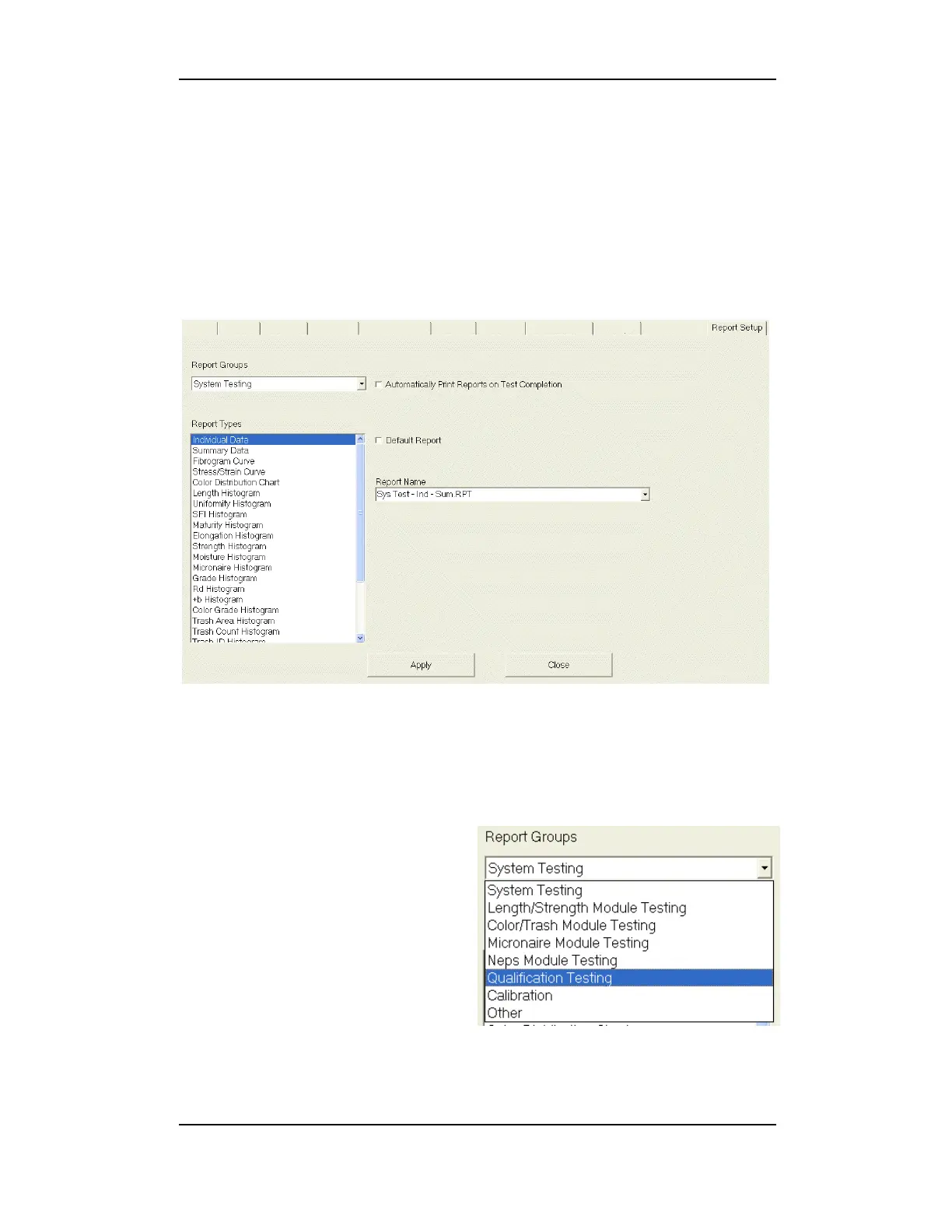
7 Report Setup
This area enables a default report to be set. This report can also be
automatically printed upon testing completion.
Click the box preceding Automatically Print Reports on Test
Completion and click Apply to set this option.
Figure 4-10: Report Setup
To set a default report, select the Report Name from the drop-down
list on the right.
You can also select the Report
Group from the drop-down list
then select the Report Type.
The Report Name will appear
to the right. Click the box
preceding Default Report. This
will place a check mark in the
box. Click Apply.
Note: See the Report Launcher chapter for full details on reports
available.



 To Next Page