USTER®
HVI 1000
Instruction Manual
Uster Technologies, Inc. Chapter 4
(3/08) Configuration - Page 4-3
2.1 Length/Strength Options
1. Perform Moisture Correction of L/S: This selection will use moisture
testing values to adjust any values that are related to moisture
(Length, Strength, Short Fiber Index (SFI), etc.).
2. L/S Bin Sample Eject: When this is selected the system will always
eject the cotton sample whether or not testing has passed.
3. L/S Sample Eject Delay: This selection delays the ejection of the
cotton sample until all testing parameters have passed, or until the
cotton sample has been re-tested. In the case of lot limits and side
limits the operator must click Accept to eject the cotton sample.
2.2 Edit Supervisor Password
The Supervisor password is the only ID allowed to use the password
editor in system configuration. Also, a Supervisor password is required
for editing configuration settings and performing Factory Settings
calibration procedures.
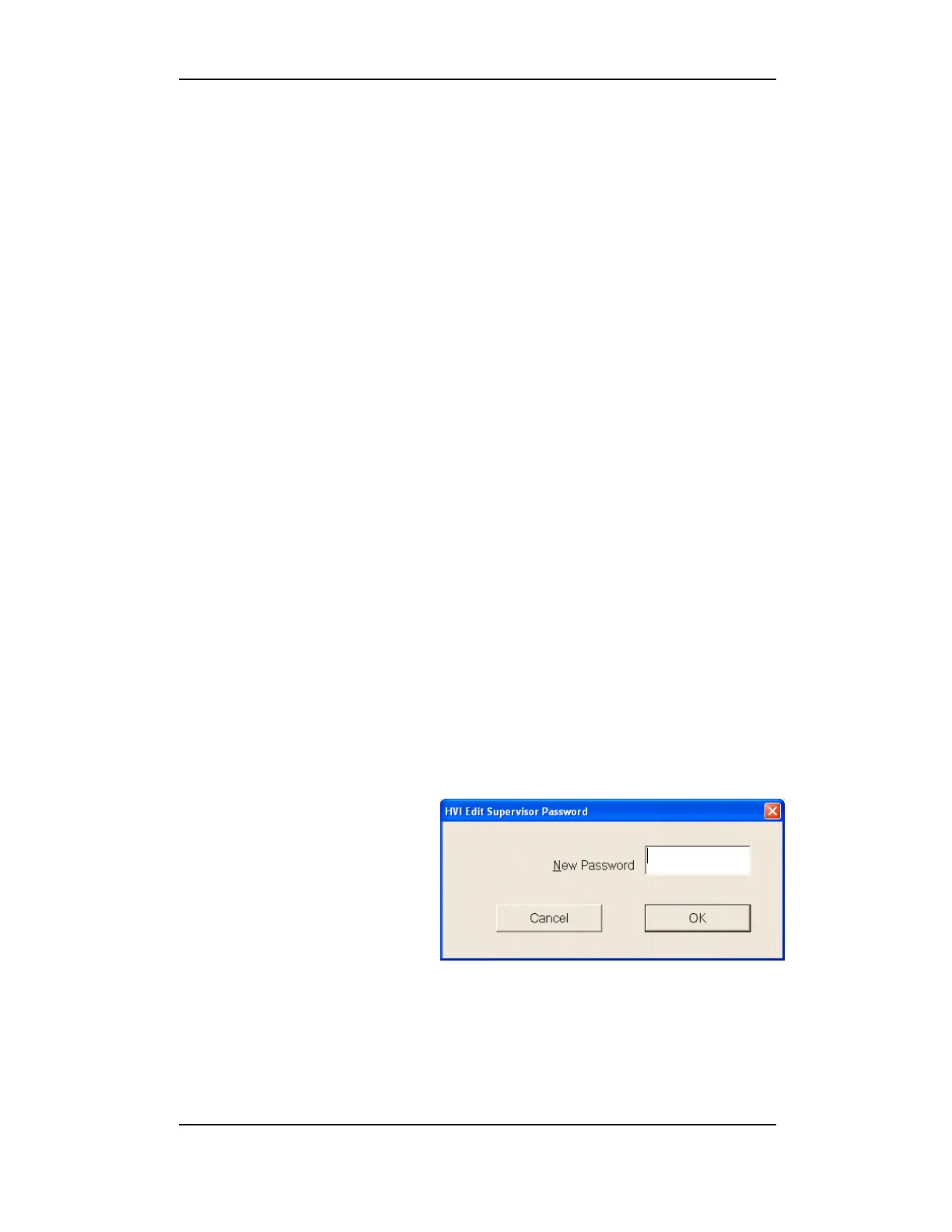
Select the Edit Supervisor Password button. This will launch the
edit window.
Passwords are 3-12 characters (a-z and A-Z only), and are not case-
sensitive.
To add a new password,
type in the new password
and click OK.
Figure 4-2: Password Configuration



 To Next Page