USTER® n Manual
Uster Technologies, Inc. Chapter 5
(3/08) Calibration - Page 5-8
HVI 1000
Instructio
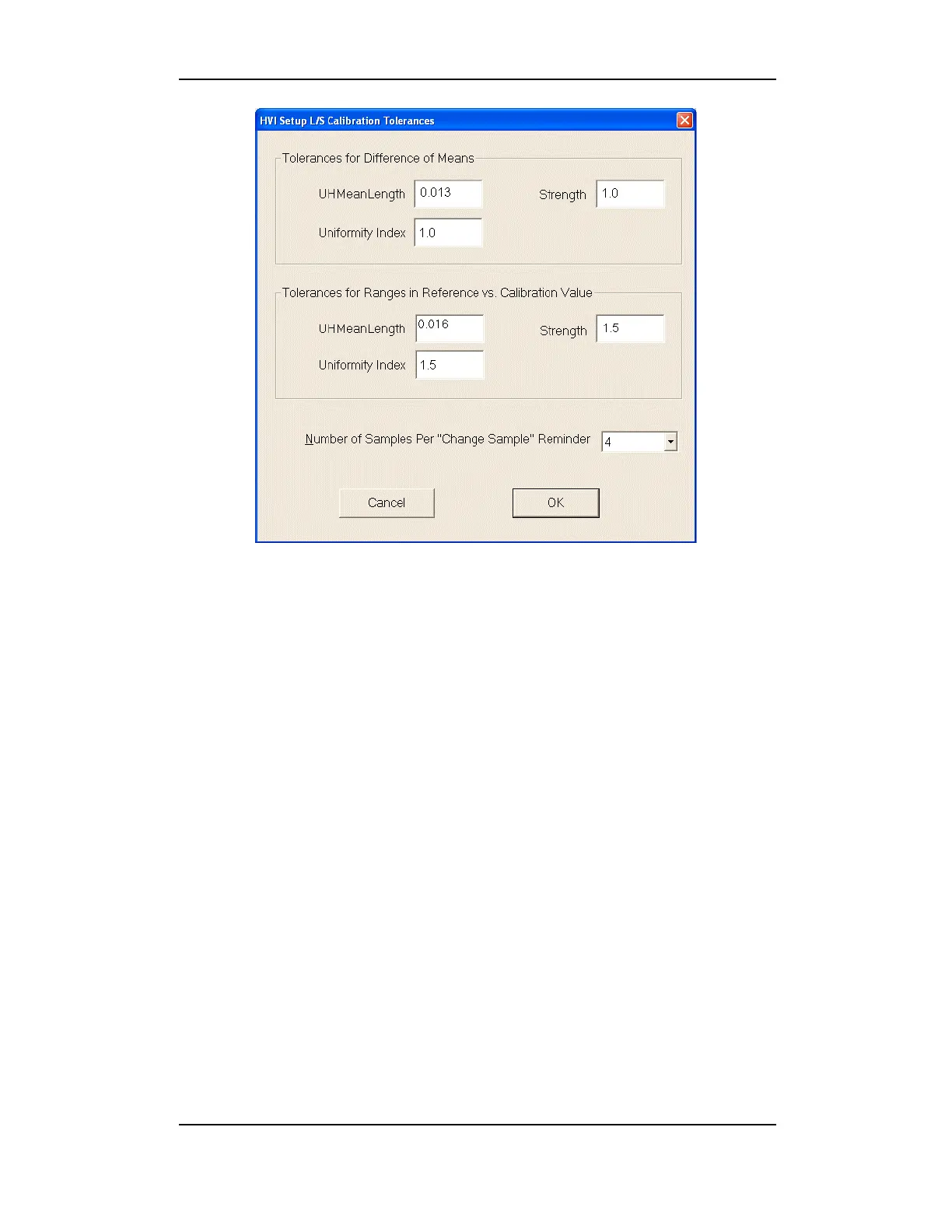
Figure 5-3: L/S Calibration Tolerances
1. Select the Setup Tolerances button to enter the tolerance values
for L/S Calibration.
2. Type a valid password into the PASSWORD ENTRY screen and click
OK.
3. Type in desired tolerances.
4. Select the Number of Samples Per “Change Sample”
Reminder from the drop-down list.
5. Select OK to save the values and return to the C
ALIBRATION MAIN
MENU.



 To Next Page