USTER®
HVI 1000
Instruction Manual
Uster Technologies, Inc. Chapter 5
(3/08) Calibration - Page 5-23
5.1.3 Check Calibration
Highlight Color + Trash in the Module Window, then highlight Color
Tiles in the Calibration window and click Check Calibration. This
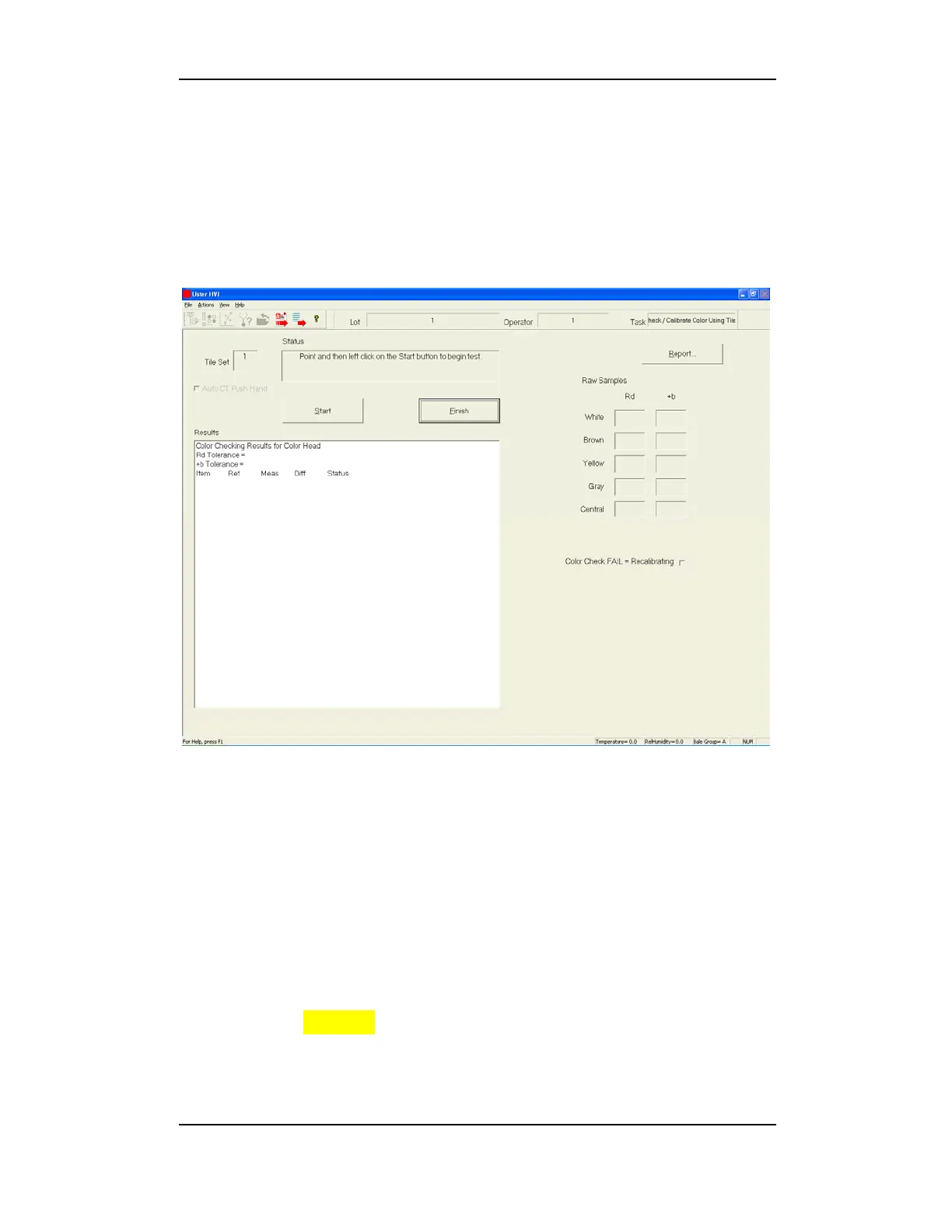
will launch the Color Tiles Calibration screen and a trash image window
from which you can select Show Trash or Show Image.
Figure 5-15: Color Tile Calibration Screen
The Status window displays instructions for completing calibration.
1. Click the START button
(on the screen)
to begin calibration.
2. Place the WHITE tile face down on the color head and press the
Start button
(on the Mic cabinet)
.
3. Place the BROWN tile face down on the color head and press the
Start button
(on the Mic cabinet)
.
4. Place the YELLOW tile face down on the color head and press the
Start button
(on the Mic cabinet)
.
5. Place the GRAY tile face down on the color head and press the
Start button
(on the Mic cabinet)
.



 To Next Page