USTER®
HVI 1000
Instruction Manual
Uster Technologies, Inc. Chapter 5
(3/08) Calibration - Page 5-27
To edit/change the Color Tile Calibration tolerance values:
1. Click the Setup Tolerances button to launch the window.
2. Enter a valid password and click OK.
3. Click the desired text box to place the cursor inside the box.
4. Use the keyboard to type in the appropriate values.
5. Click OK.
6. Click Cancel to exit without changing the values.
5.2.2 Setup References
You must enter a valid password to access this area.
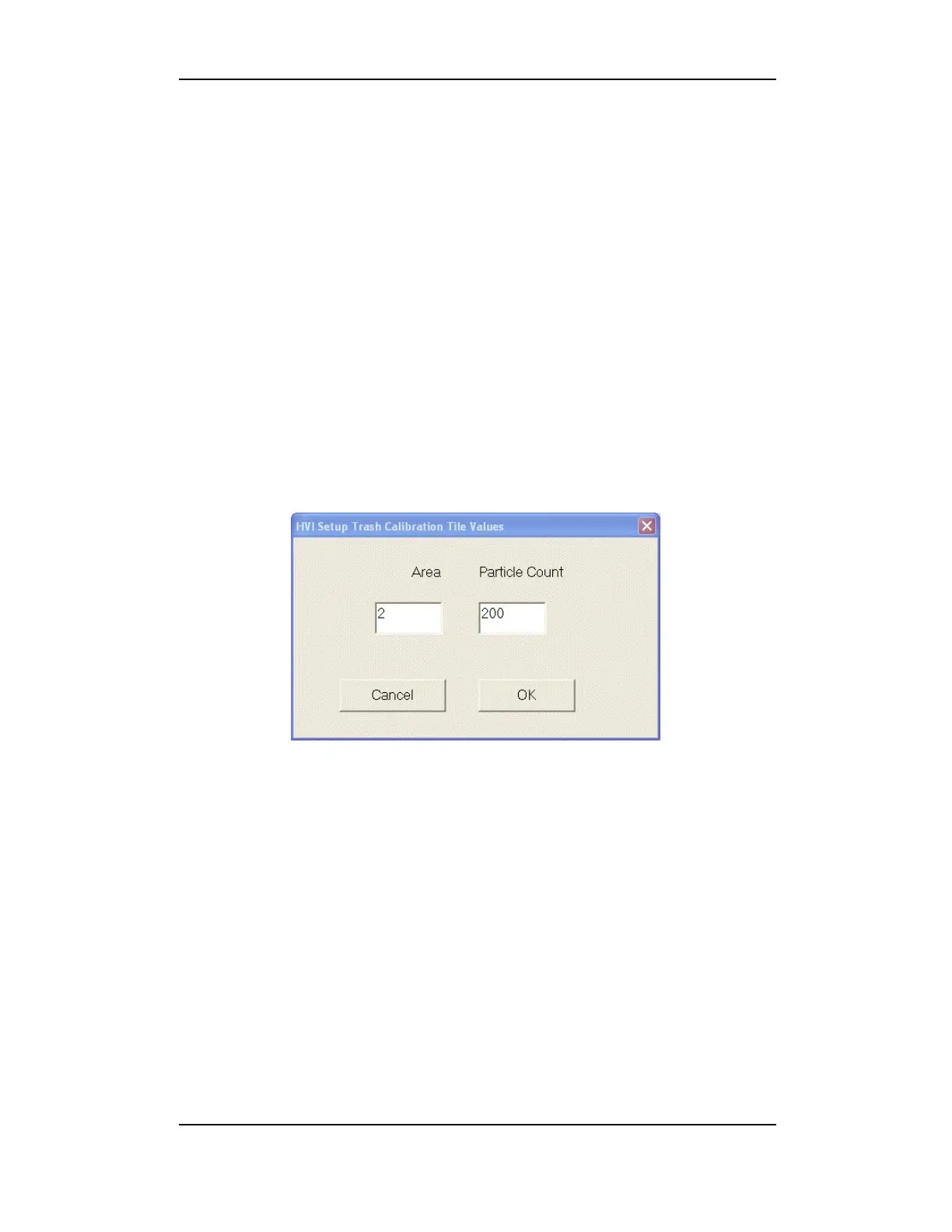
Figure 5-18: Setup Trash Tile References
To edit/change the Trash Tile Calibration reference values:
1. Click the Setup References button to launch the window.
2. Enter a valid password and click OK.
3. Click the text box to place the cursor inside the box.
4. Use the keyboard to type in the appropriate values.
5. Click OK.
6. Click Cancel to exit without changing the values.
Note: The values marked on the trash calibration tile that was supplied
with the instrument should be entered here for Area and Particle Count.



 To Next Page